
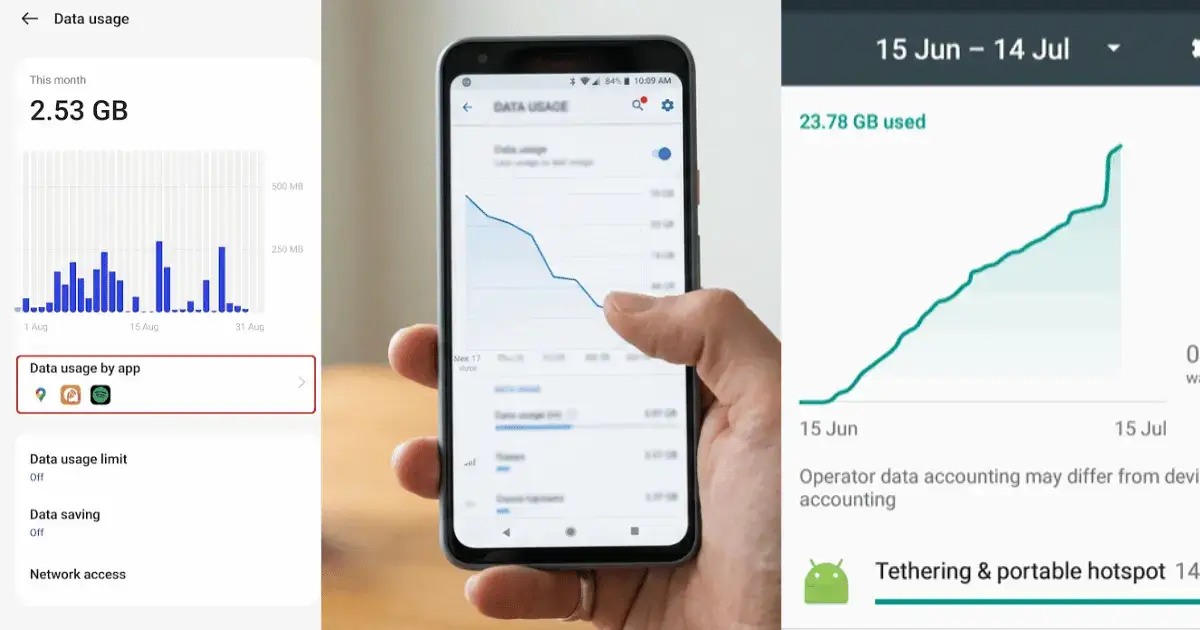
Running out of data before the month is over has to be one of the most frustrating parts of owning a phone. One day everything is fine, and the next your videos refuse to load and your bill is higher than you expected. The good news is that learning how to save mobile data on Android is easier than most people think. A few quick settings and a couple of free apps can cut your usage by a large amount, and you will not have to give up the things you enjoy doing on your phone.
Below are nine simple ways to use less data, starting with a setting that is already sitting on your phone right now. Work through them in order and you will likely see a difference within a day or two.
1. Turn on the built in Data Saver
Before you install anything, switch this on. Data Saver stops apps from quietly using data in the background when you are not looking at them. Open Settings, tap Network and internet, then choose Data Saver and turn it on. While you are there, set a monthly warning and limit so your data switches off before you ever go over your plan. This one step protects you from nasty surprises at the end of the month.
2. See where your data actually goes
You cannot fix a problem you cannot see. A free app called My Data Manager tracks exactly how much data each app uses and warns you as you get close to your limit. Most people are shocked when they find out that one or two apps are responsible for almost everything. Once you know the culprits, you can deal with them in the next few steps instead of guessing.
Good for: finding the apps quietly draining your plan.
3. Block background data for the worst apps
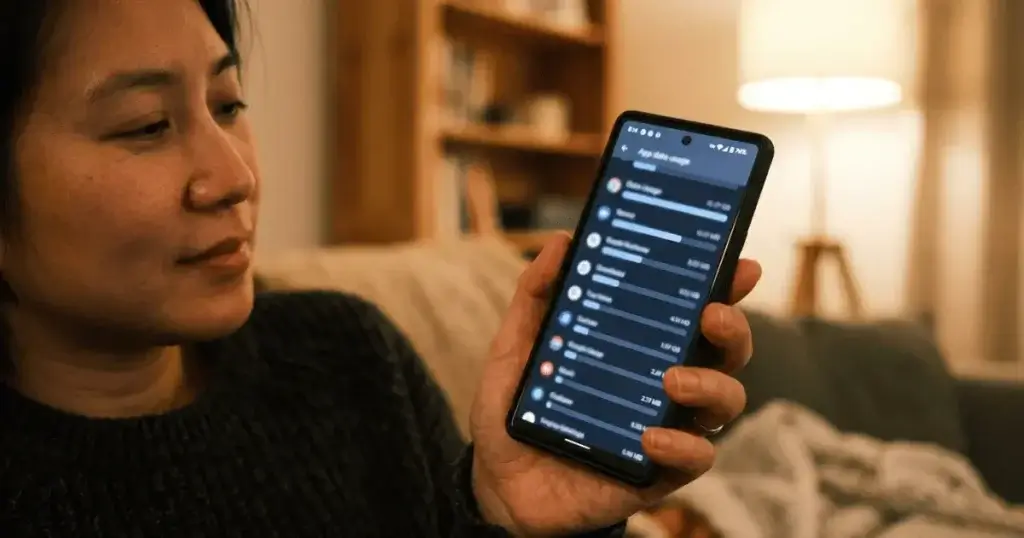
Some apps refresh themselves all day even when you never open them. You can stop this for any app you choose. Open Settings, tap Apps, pick the app, choose Mobile data, and turn off Background data. The app still works normally when you open it, but it no longer wastes data while it sits closed. Social media and shopping apps are usually the biggest offenders here, and shutting them down also helps speed up your Android phone.
4. Use a firewall app like NetGuard
If you want stronger control, a free app called NetGuard lets you block internet access for any app with a single tap, and it does not need root. Switch off the apps you rarely use and they simply cannot go online in the background. Everything runs locally on your phone, so your browsing stays private. This is one of the most effective ways to stop hidden data loss.
Good for: cutting off background data from apps you do not need online.
5. Browse with a data friendly browser
Opera Mini squeezes web pages before they reach your phone, so they use far less data and load faster on a weak signal. If you read a lot of articles or do a lot of browsing, switching browser alone can save a noticeable amount each month. Many other browsers also have a built in data saving mode you can switch on in the settings.
Good for: heavy readers and browsers who want lighter pages.
6. Download for later instead of streaming on the go
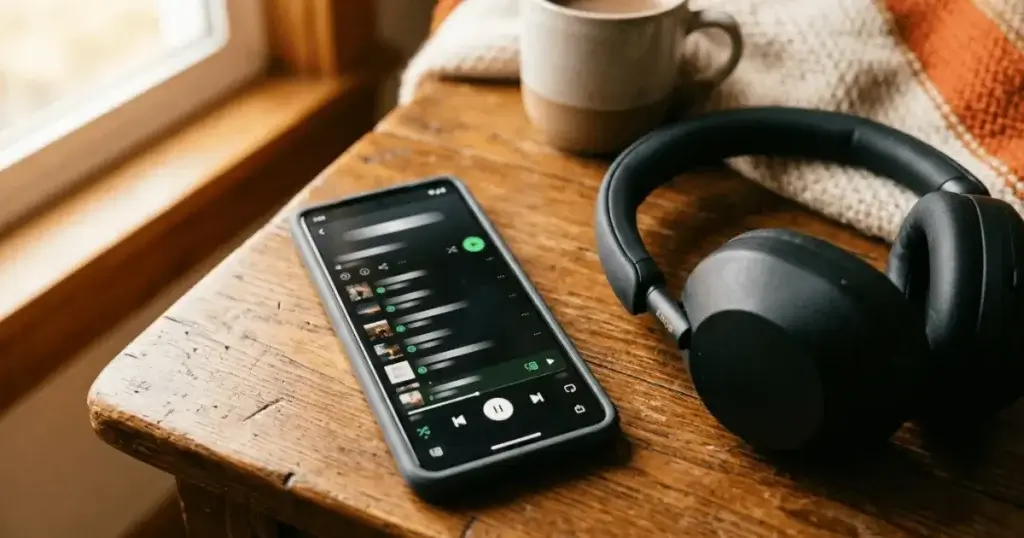
Streaming music and video is the single biggest reason people run out of data. The fix is simple. While you are connected to Wi-Fi at home, download your playlists on Spotify or YouTube Music, save a few videos to watch later, and grab the area you need in Google Maps using offline maps. Once they are saved, you can enjoy all of it later without spending any data at all.
Good for: music lovers, commuters, and anyone who travels.
7. Update apps over Wi-Fi only
App updates can be huge, and if they download over mobile data they eat your plan quickly. Open the Play Store, tap your profile picture, go to Settings, then Network preferences, then Auto update apps, and choose the option to update over Wi-Fi only. It takes about twenty seconds and saves a surprising amount over a month.
8. Lower video quality on the go
When you do watch something on mobile data, drop the quality. In YouTube and most streaming apps you can set the video to play at a lower resolution when you are not on Wi-Fi. A clip at 480p looks perfectly fine on a phone screen and uses a fraction of the data that high definition does. Turn off autoplay too, so videos stop loading the moment you stop watching.
9. Build a few simple data saving habits
Small habits add up. Connect to trusted Wi-Fi whenever you can, close apps you have finished with, and check your usage once a week so nothing creeps up on you. Once these become second nature, you will stop thinking about your data at all because you will rarely get close to your limit.
Frequently asked questions
What uses the most mobile data on a phone?
Video streaming, social media with autoplay turned on, and large app updates. Deal with those three and your usage drops straight away.
Do data saver apps really work?
Yes. Blocking background data and compressing web pages genuinely lowers usage. The built in Data Saver on its own already makes a real difference, and apps like NetGuard take it further.
Is it safe to use a firewall app on my phone?
Yes, as long as you download a trusted one such as NetGuard from the official Play Store. It runs on your device and does not send your traffic anywhere else.
How can I save data on mobile without losing what I love doing?
Download music and video over Wi-Fi to enjoy later, update apps on Wi-Fi only, and block background data. You keep doing everything you enjoy, just smarter.
Key takeaways
You do not need to suffer through a slow, stressful month waiting for your data to reset. Start with the built in Data Saver and a monthly limit, then add My Data Manager to spot the heavy apps and NetGuard to shut down the worst of them. Download instead of streaming, update on Wi-Fi only, and your data plan will stretch much further than before.
For more handy app tips, take a look at our Mobile Apps section.




1 thought on “How to Save Mobile Data on Android: 9 Simple Ways That Really Work”