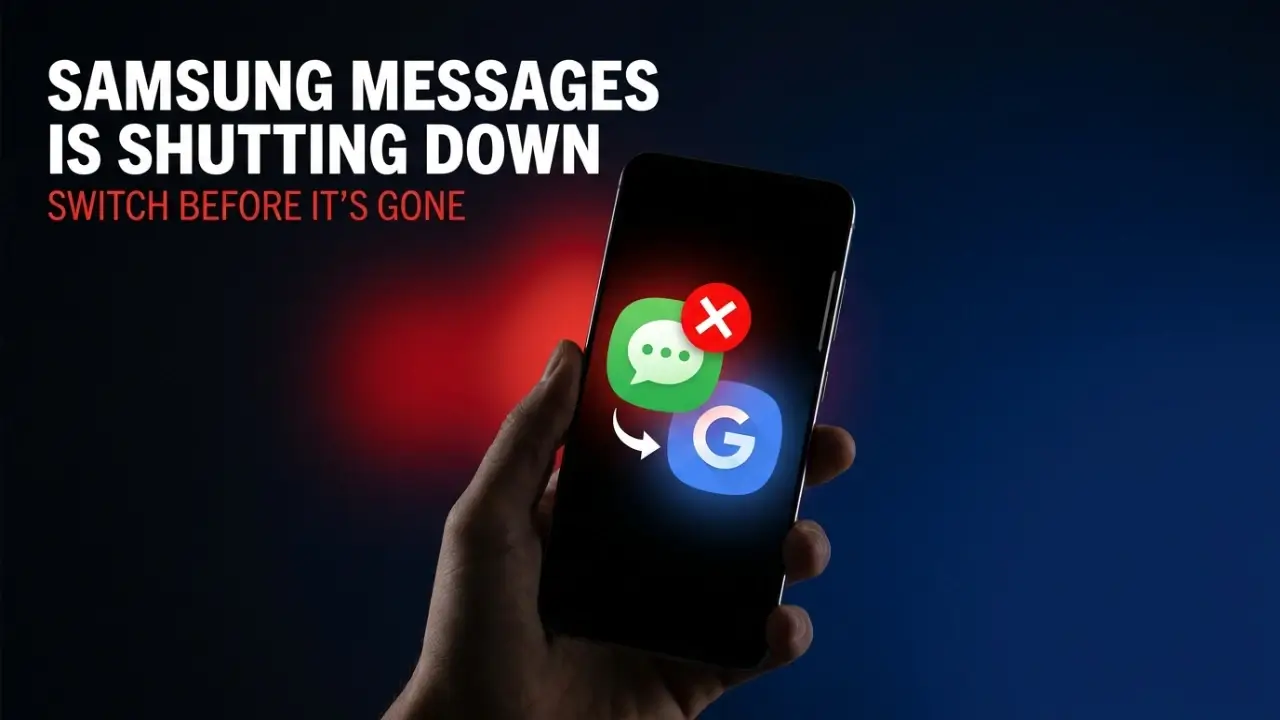
If you text from a Samsung Galaxy phone in the United States, your default messaging app is about to disappear. Samsung Messages is shutting down this month, and most coverage points to a cutoff around July 6, which is basically now. After that date, the app you have used for years will stop sending texts, and Samsung wants everyone to move over to Google Messages instead. This is not a small setting change buried in an update. It affects how millions of people send everyday texts, and if you ignore it, you could be left staring at an app that no longer works.
Here is why it matters. Messaging is the one app almost everyone opens every single day. A forced switch means new layouts, new settings, and for some people, a real risk of losing the flow they are used to. The good news is that the move is simple once you know what to do, and the replacement actually comes with some useful upgrades.
The quick version
- Samsung Messages is shutting down in July 2026, with coverage pointing to around July 6
- It affects US Galaxy phones running Android 12 or higher
- Phones on Android 11 or older are not affected for now
- Samsung is directing everyone to Google Messages
- Open the app now to confirm your exact cutoff date
Who is actually affected
The shutdown is narrower than some scary headlines suggest, so take a breath. It applies to Galaxy phones in the United States running Android 12 or higher. If your phone is on Android 11 or older, nothing changes for you right now. Samsung has also said it has no plans to end the service in other countries yet, so users outside the US can relax for the moment.
| Situation | Are you affected? |
|---|---|
| US Galaxy phone, Android 12 or higher | Yes, action needed |
| US Galaxy phone, Android 11 or older | No change for now |
| Galaxy phone outside the US | Not affected yet |
One important detail: Samsung’s official notice only confirmed “July 2026” and told users to open the app to see their exact date. The July 6 figure comes from press coverage, not a hard Samsung deadline. So do not panic over one date. Just open Samsung Messages and check the in-app notice for your specific cutoff.
What happens after the shutdown
Once the cutoff hits, Samsung Messages stops working as your texting app. You will no longer be able to send normal messages through it, with one narrow exception for emergency service numbers and predefined emergency contacts. The transition is already rolling out on newer devices. Owners of the latest Galaxy S26 can no longer even download Samsung Messages from the Galaxy Store, and that same restriction spreads to all remaining phones once the deadline arrives.
How to switch to Google Messages
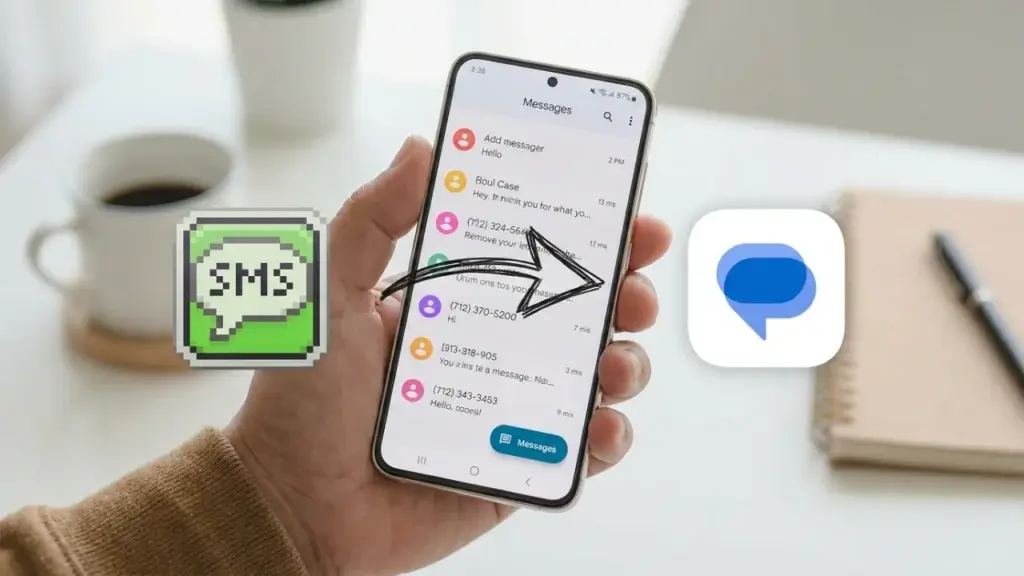
Switching takes only a few minutes, and your conversations move with you. Here is the simple path.
- Open the Google Play Store and install Google Messages if it is not already there
- Open the app and follow the prompt to set it as your default messaging app
- Allow it to import your existing texts so your history carries over
- Turn on RCS chat features for typing indicators, read receipts, and higher quality photos
- Delete or ignore the old Samsung Messages app once everything looks right
Why Samsung is making the change
This is part of a long, quiet shift. Samsung has been leaning on Google’s apps as the default across Galaxy phones for years, and messaging is the last big piece to fall in line. Moving to Google Messages is not all bad news either. It brings Gemini powered smart replies, photo remixing, built in scam detection, and stronger spam filtering. In other words, you lose a familiar app but gain a smarter, better protected one. If you enjoy exploring AI tools on your phone, our guide to the best free AI apps for Android is a good next read.
Samsung Messages FAQ
- When is the Samsung Messages shut down date?
- Samsung confirmed July 2026, and coverage points to around July 6. Open the app to see your exact cutoff.
- Will I lose my old texts?
- No, as long as you let Google Messages import your history during setup. Back up first if you want to be safe.
- Do I have to use Google Messages?
- Samsung recommends it, but you can use any messaging app you prefer. Google Messages is the smoothest option since it becomes the built in default.
Final thoughts
Losing a default app is annoying, but this switch is quick and mostly painless. Open Samsung Messages today, check your cutoff date, and move to Google Messages before it stops working. For the official notice, check the Samsung Community announcement, and you can grab the new app from Google Messages. While you are tidying up your phone, it is also a great time to learn about newer messaging tricks like WhatsApp usernames. A few minutes now saves you a frustrating surprise later.
Dates above are based on Samsung’s notice and press coverage, and your exact cutoff may vary by device.