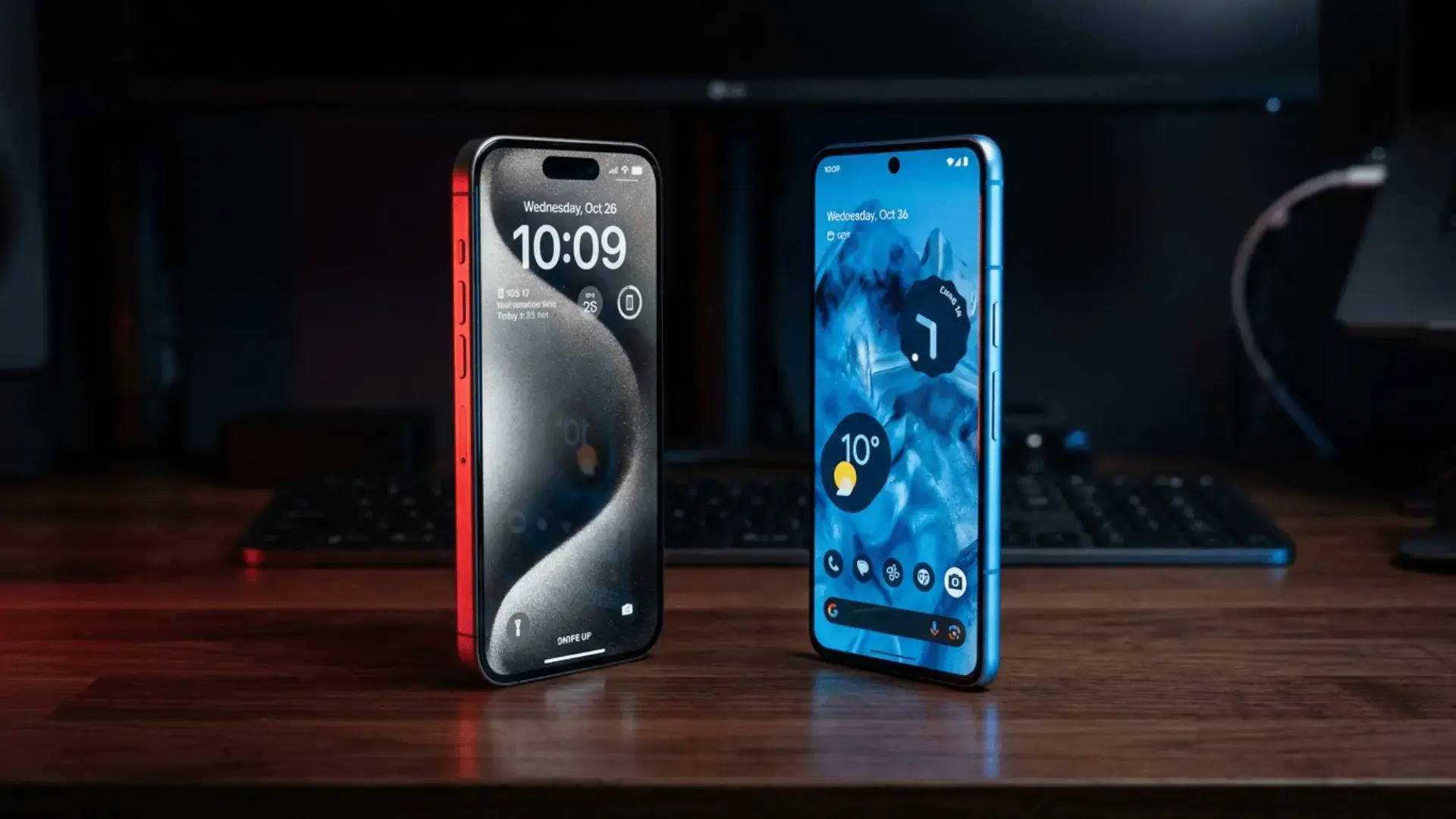
The iPhone vs Android debate is the one argument that refuses to die, and it is more interesting than ever. The two platforms have quietly copied so much from each other that, on paper, they look almost identical. iOS borrowed widgets, a more open share menu, and RCS texting. Android borrowed a cleaner design language, tighter privacy controls, and slick AI tricks. So if everything is converging, does the choice between iPhone and Android even matter anymore?
It absolutely does, just not for the reasons most people think. After living with both an iPhone 17 running iOS 26 and a Google Pixel 10 running Android 16 as daily drivers for a full month, switching my SIM back and forth and forcing myself to do the same boring tasks on each, the real differences showed up in the small moments. The way a call looks when it comes in. How fast the calculator opens. Whether your group chat turns green and breaks. That is where iPhone vs Android is actually won or lost, and that is exactly what this guide breaks down, screen by screen.
I also pulled in more than 50 recent switcher threads from r/Smartphones, r/Android, and r/apple to sanity check my own bias, because one person’s month is not the whole story. You will see those real user patterns flagged throughout. By the end you will know which phone fits your life, not just which one wins a spec sheet.
iPhone vs Android: the quick verdict
If you only have thirty seconds, here is the honest scoreboard from a month of side by side testing. The full reasoning for each row is further down.
| Category | Winner | Why in one line |
|---|---|---|
| Ease of use | iPhone | More predictable, less to think about |
| Customization | Android | Home screen, launchers, and defaults are yours |
| Cameras (photo) | Tie | iPhone steadier, Android sharper zoom |
| Cameras (video) | iPhone | Still the safest point and shoot video |
| Performance | iPhone | A19 chip is brutally fast and consistent |
| App quality | iPhone | Best apps still launch here first |
| App freedom | Android | Sideloading, file access, real defaults |
| Battery life | Android | Bigger batteries and faster charging |
| Privacy controls | iPhone | Tighter by default, clearer prompts |
| Price and value | Android | A great phone at every single budget |
| Ecosystem lock in | iPhone | A blessing and a trap, depending on you |
There is no universal winner, and anyone who tells you otherwise is selling something. The right answer depends on what you already own and what you actually do all day. Let us go category by category, with a side by side image for each so you can see the difference, not just read about it.
Design and build: two different philosophies
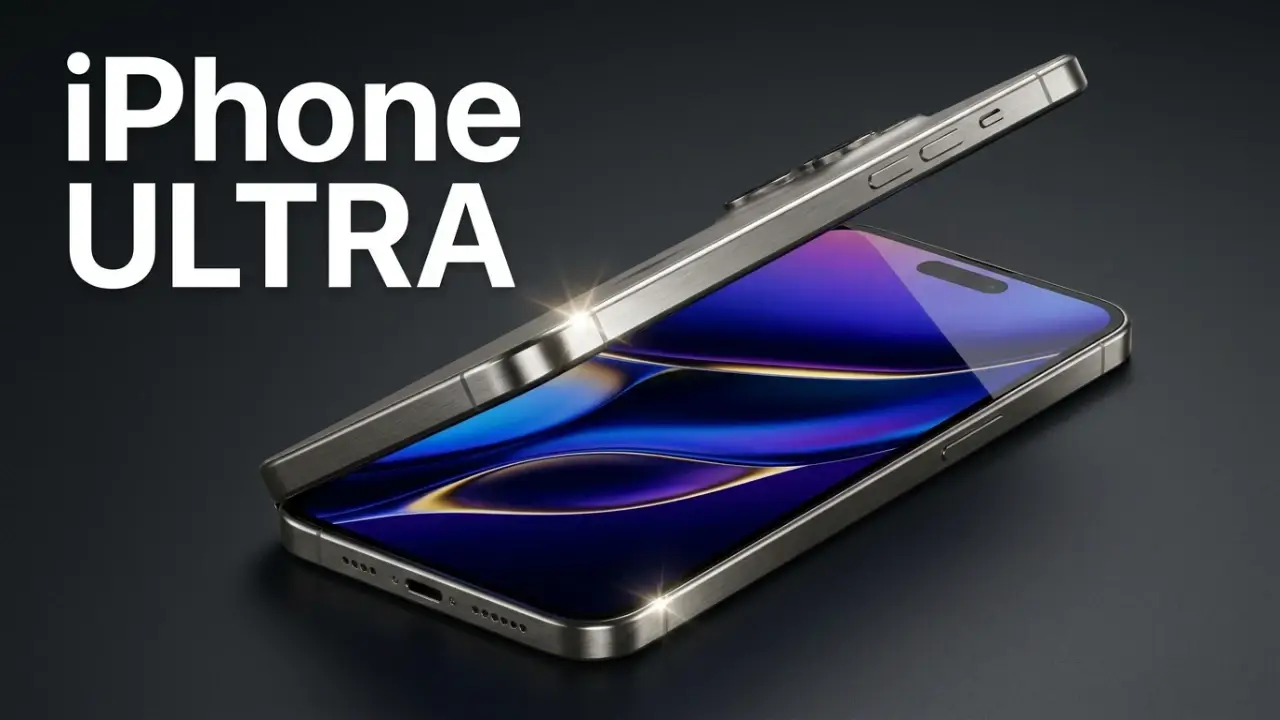
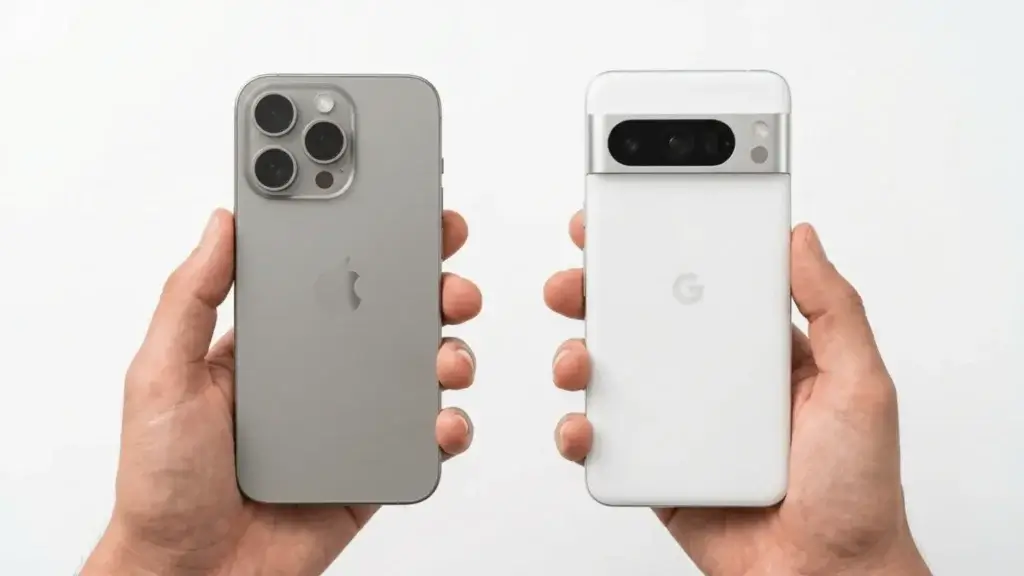
Hold a modern iPhone and a modern Android flagship in the same week and the gap is mostly vibe, not quality. The iPhone 17 leans into flat rails, surgical symmetry, and a build that feels carved from a single block. Android, because it is made by Samsung, Google, OnePlus, Nothing, and a dozen others, gives you actual variety: curved glass, matte textures, transparent backs, even built in styluses on the Galaxy Ultra line.
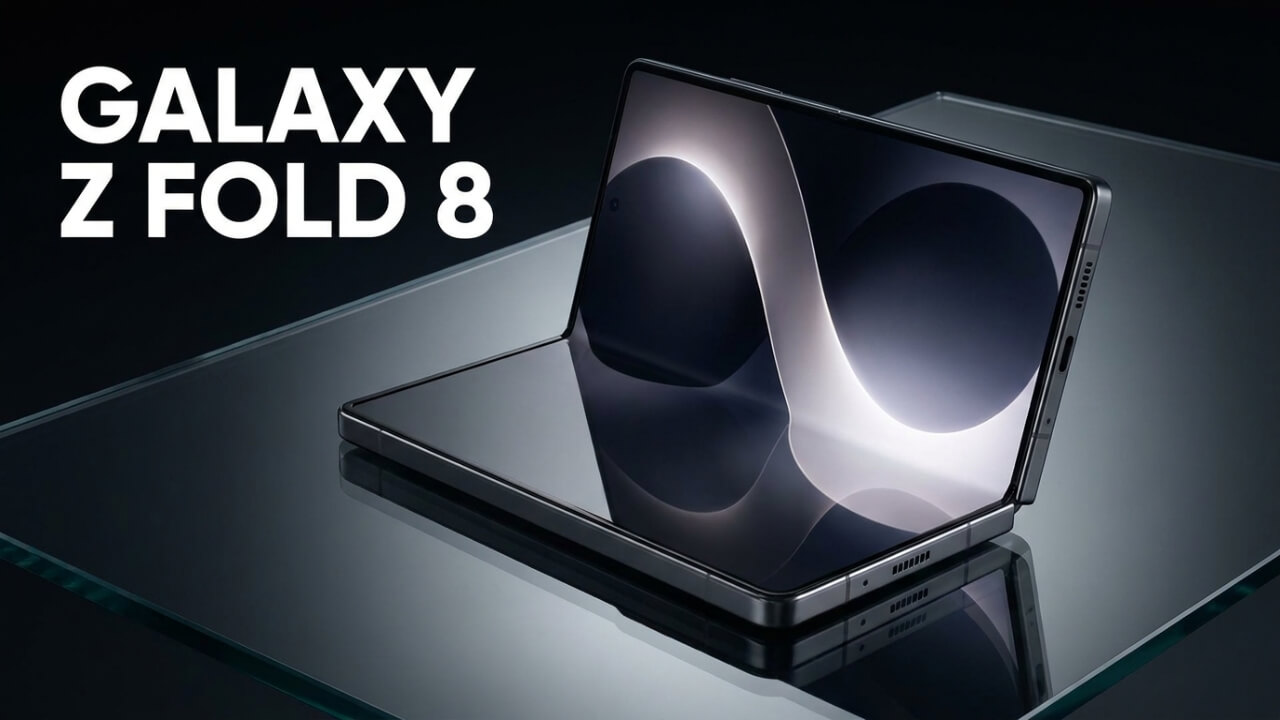
That variety is the whole point. With iPhone you choose a size and a color and you are done. With Android you choose a personality. Want a tiny phone, a giant phone, a folding phone, a rugged phone, or a $200 phone that still feels decent? Android has all of them. Apple has three or four shapes, period.
In daily use, both feel premium at the top end. Where Android pulls ahead is the bottom end, because a cheap iPhone does not really exist, while a genuinely good cheap Android does. If you want proof, look at our roundup of the best Android phones under $200, a price tier Apple simply refuses to play in.
Display: brightness, smoothness, and that black
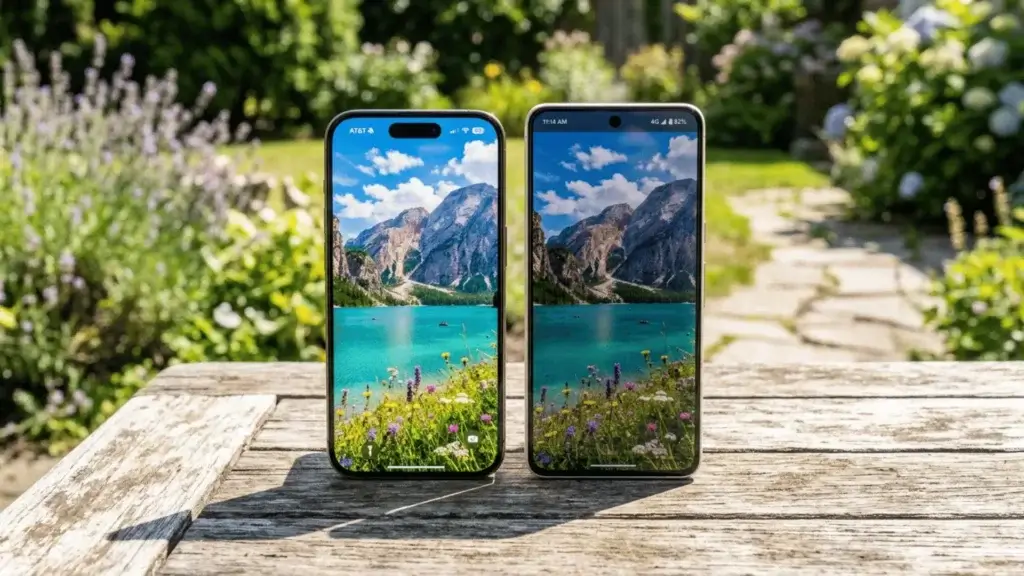
Both platforms ship gorgeous OLED screens with 120Hz smoothness on their flagships, so scrolling feels buttery on each. The differences are subtle but real. Android flagships like the Pixel 10 Pro and Galaxy S26 Ultra push absurd peak brightness, well past 3,000 nits in some cases, which makes a real difference in harsh sunlight. iPhone screens are slightly less bright on paper but color tuning is famously accurate out of the box.
One thing iPhone fans rarely mention: true black backgrounds and dark mode look identical on both now, since both use OLED. The bigger split is at the budget level again. A cheap Android might still ship with a 60Hz or 90Hz LCD, while every current iPhone uses a quality panel. So a midrange iPhone screen often beats a midrange Android screen, but a flagship Android screen usually beats a flagship iPhone screen. Know which tier you are shopping in.
Performance: raw power vs real world consistency
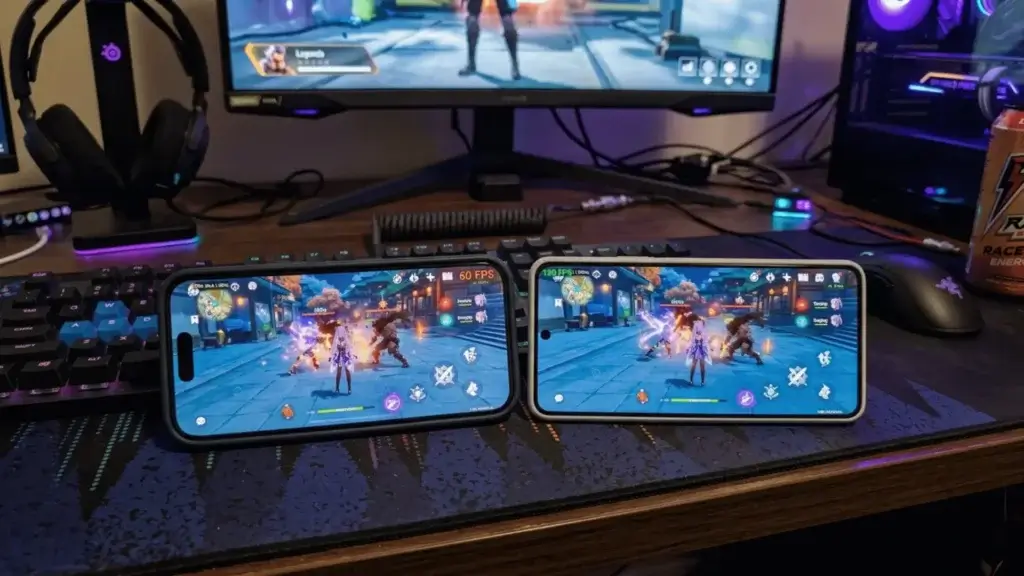
Here is where Apple still flexes hardest. The A19 chip inside the iPhone 17 is genuinely faster in raw benchmarks than the Snapdragon 8 Elite Gen 5 in the Galaxy S26 or the Tensor G5 in the Pixel 10, especially for single core tasks and demanding video editing. More importantly, because Apple builds the chip and the software together, performance stays consistent for years.
That said, you will not feel the benchmark gap opening Instagram. Top Android phones are blisteringly fast too. The real difference shows up over time and at the low end. A budget Android can feel sluggish after a year of updates, while even an older iPhone tends to stay smooth. If your current Android already feels slow, before you blame the platform, try our guide on how to speed up your Android phone, because a lot of slowdown is software clutter, not the chip.
Cameras: the most personal fight of all
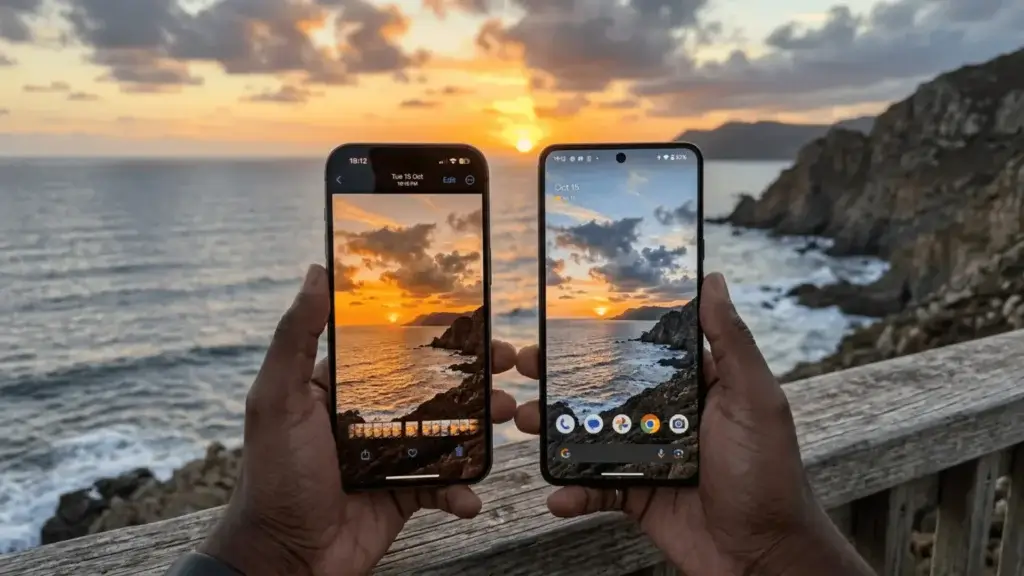
Cameras are where iPhone vs Android gets heated, and the honest answer is that it depends on what you shoot. From my month of testing and from a stack of r/Smartphones camera threads, the pattern is clear. For video, iPhone is still the safest phone on earth. Point, shoot, and the footage is stable, color accurate, and ready to post. The iPhone 17 Pro Max shoots 4K at 120fps with ProRes Log, and creators still default to it for a reason.
For stills, it is basically a tie, but a nuanced one. iPhone gives you consistency, you almost never get a bad shot. Android, especially the Galaxy S26 Ultra with its 200MP sensor and 5x periscope zoom, gives you reach and flexibility iPhone cannot match. Want to zoom across a stadium or shoot the moon? Android. Want to film your kid running around without thinking? iPhone. Google’s Pixel 10 sits in the middle with the smartest computational photography and the best AI editing tricks like Magic Eraser and Best Take.
The recurring complaint in switcher threads is real though: many people feel Android video still trails iPhone in stabilization and that selfies look more flattering on iPhone. If video and selfies are your life, that bias is worth respecting.
The phone app and calls: a tiny detail that matters
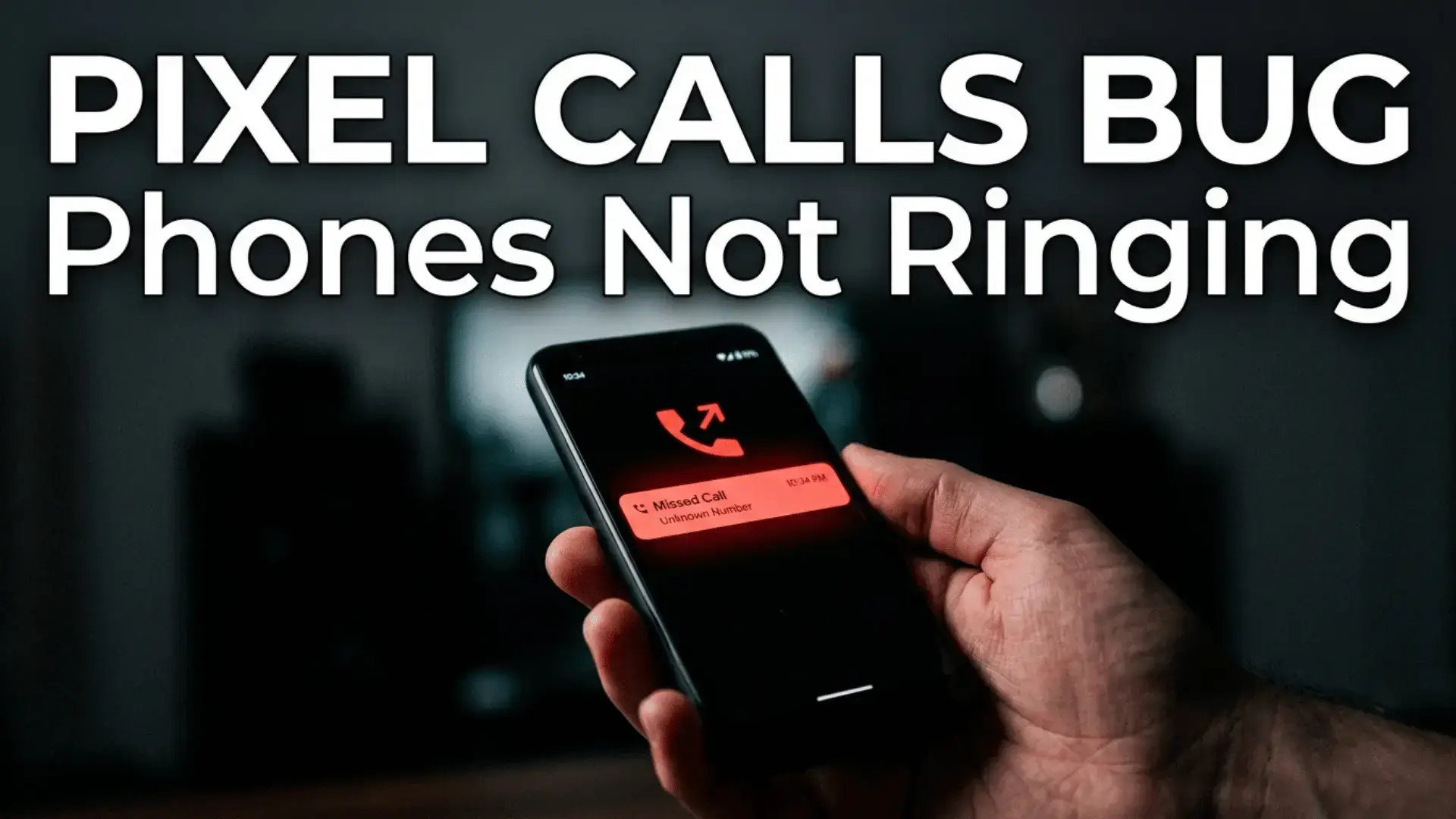
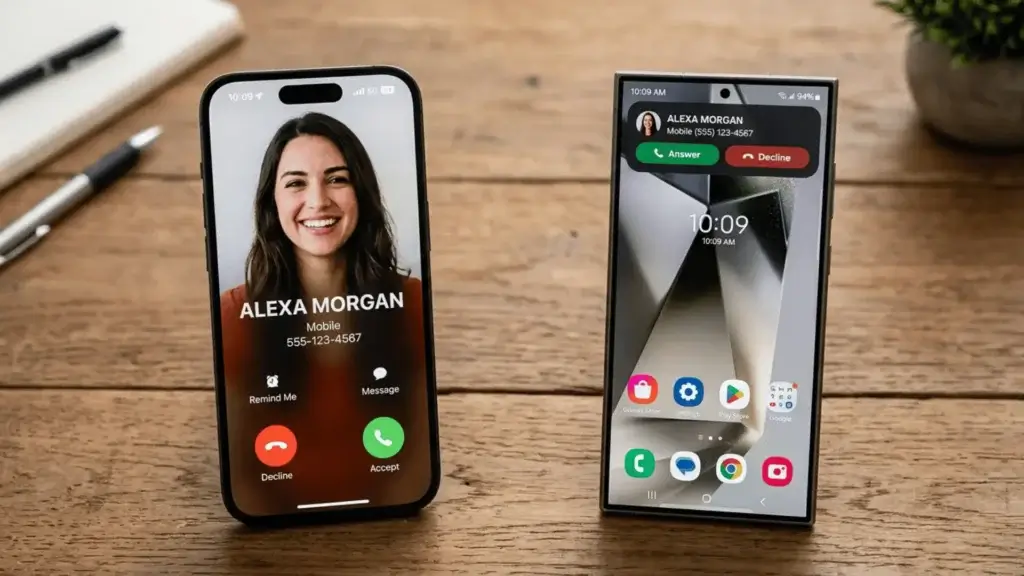
This is the kind of thing spec sheets ignore but you touch every single day. On iPhone, an incoming call still takes over your whole screen by default unless you change it, which annoys plenty of people mid task. Android shows incoming calls as a neat banner at the top so you can keep doing what you were doing and just tap to answer.
The bigger win for Android is call recording. Google’s Phone app on Pixel can record calls and even transcribe them in some regions, and it can screen spam calls by having the assistant answer first and ask who is calling. iPhone has added live voicemail and call screening features, but built in call recording is still far more native and flexible on Android. If you take a lot of calls for work, this one detail alone can decide it.
Built in apps: calculator, clock, and the little stuff
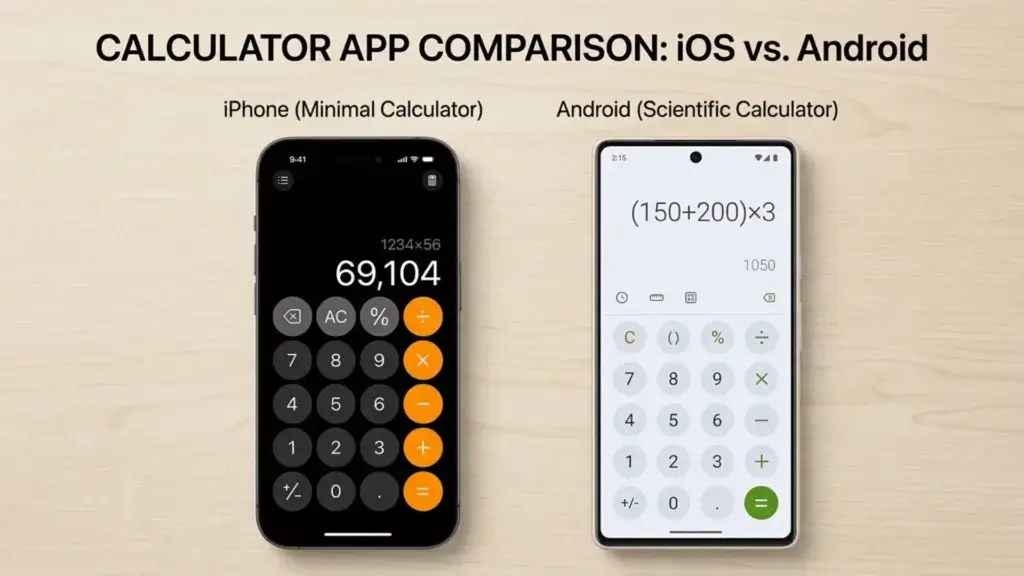
Apple kept things almost stubbornly simple here for years, and only recently added a proper Calculator to the iPad and beefed up the iPhone one with unit conversion and a running history tape. Android calculators, especially Google’s, have long offered scientific modes, conversions, and history by default, and you can swap in any calculator app you like as if it were the system one.
That is the theme across all the small built in apps. On Android, the clock, calculator, notes, files, and even the dialer can be replaced by third party apps that become the real default. On iPhone, you can install alternatives, but Apple’s apps often remain the privileged default in subtle ways. Neither is wrong. iPhone optimizes for one good answer, Android optimizes for your answer.
Messaging: iMessage, RCS, and the green bubble truce
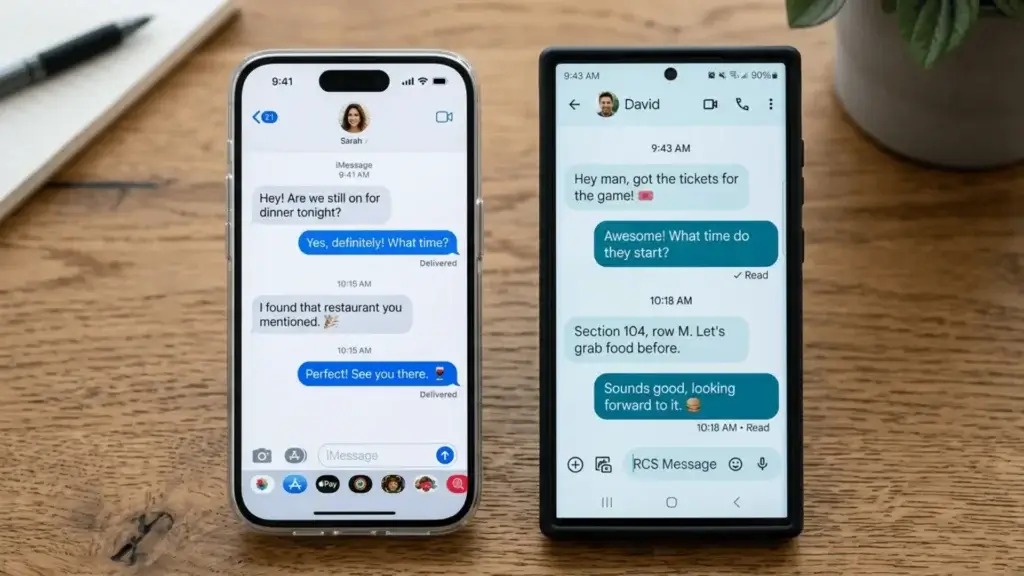
For years the green bubble was Android’s biggest social tax in the United States. That has finally cooled. iPhone now supports RCS, so texting between iPhone and Android gets typing indicators, read receipts, higher quality photos, and proper group chats. The experience between platforms is dramatically better than it was even two years ago.
But let us be honest, iMessage is still a soft lock in. Blue bubbles, stickers, Tapbacks, message effects, and full iMessage features only live between Apple devices. If your entire friend group and family are on iPhone, leaving for Android still means becoming the person whose texts look different. That social pressure is not technical, but it is one of the single biggest real reasons people stay on iPhone, and it shows up in nearly every switcher thread.
Customization: this is Android’s home turf
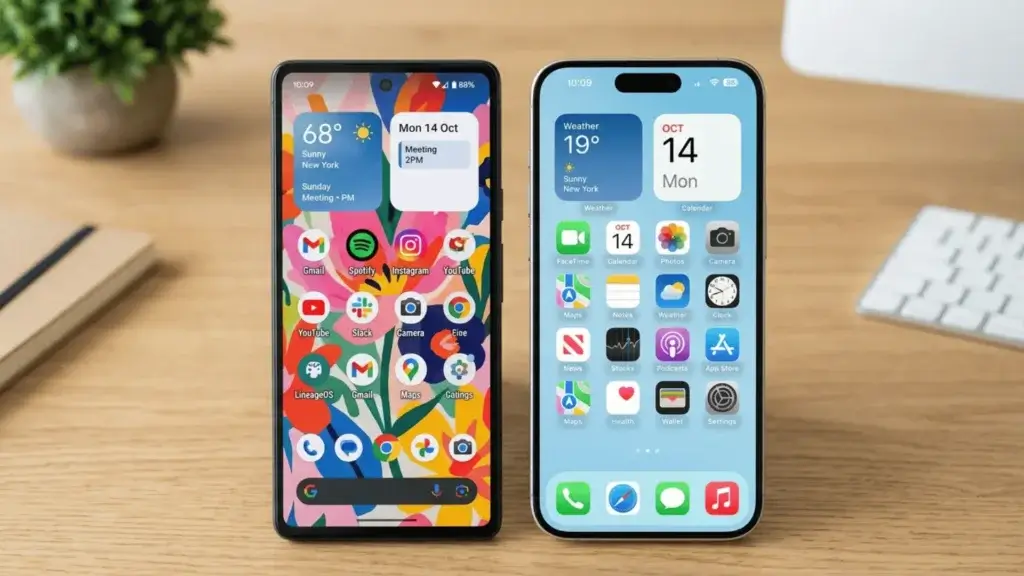
If you love making a phone truly yours, Android wins and it is not close. You can change the entire launcher, resize and freely place widgets and icons anywhere, theme your icons, set genuinely custom always on displays, and pick your own default browser, keyboard, dialer, and SMS app at a system level. Power users can go even deeper with routines and automations.
iOS has loosened up a lot. You can now place widgets on the home screen, tint your icons, build a custom lock screen, and use the App Library. For most people that is plenty. But there is still a ceiling. iPhone lets you decorate the room; Android lets you move the walls. The Reddit consensus today is that the gap has narrowed, yet anyone who tinkers seriously still ends up frustrated by iOS limits within a week.
Notifications: speed vs tidiness
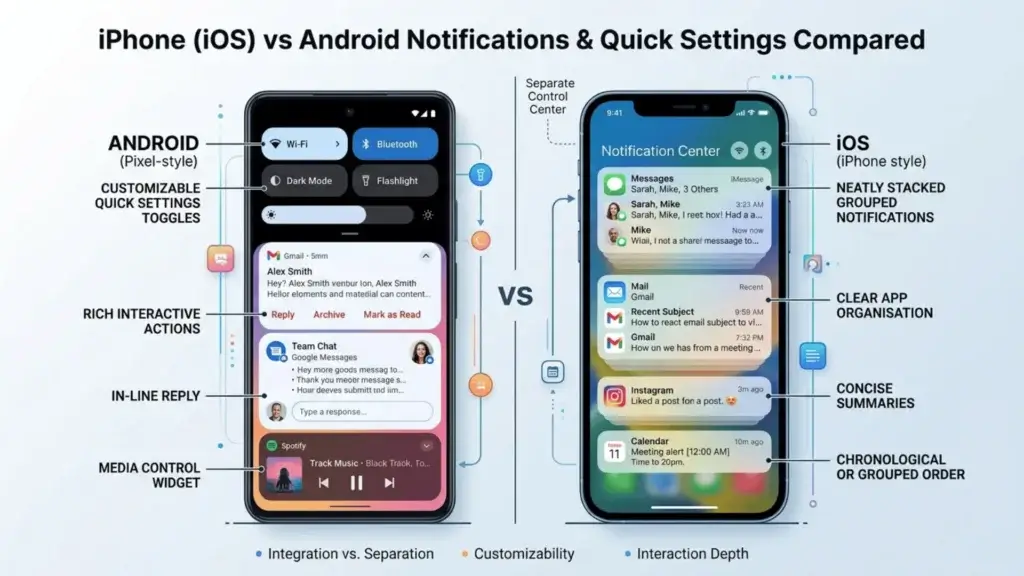
Android notifications are simply more powerful. They are interactive, let you reply or control media inline, can be snoozed, and group in flexible ways, with resizable tiles in Android 16 that users on r/Android specifically praised. Android’s quick settings panel is also far more customizable than iOS Control Center, even after Apple’s recent overhaul.
iPhone notifications are tidier and arguably calmer, stacking neatly and feeling less chaotic for people who get overwhelmed. Focus modes on iOS are excellent for cutting noise. So this comes down to temperament. If you want to do things straight from a notification, Android. If you want fewer things shouting at you, iPhone has a quieter default personality.
App ecosystem and freedom: quality vs control
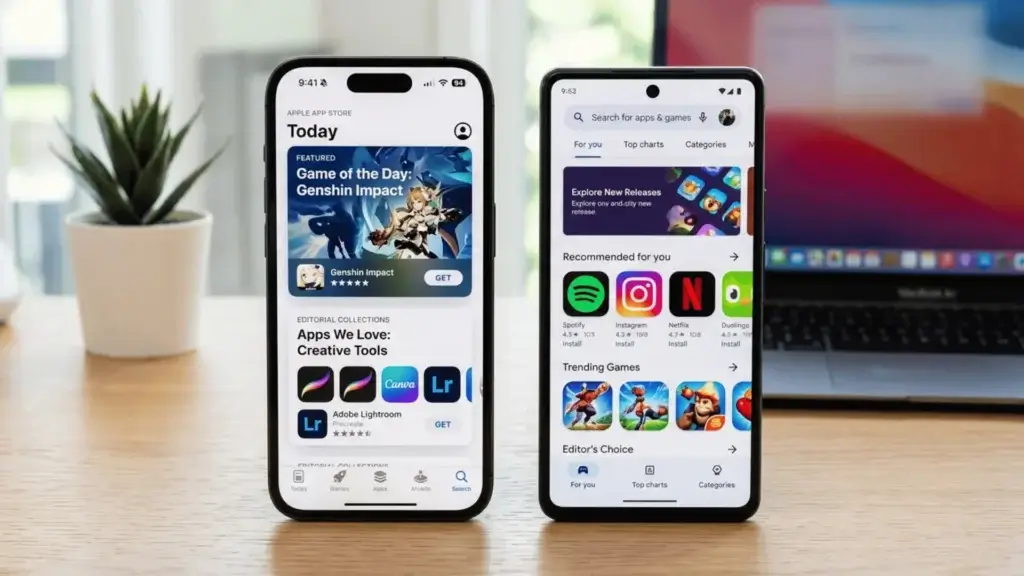
The App Store and Google Play both have basically every mainstream app you need. The difference is philosophy. iPhone tends to get the most polished version of big apps first, and creative or pro tools often debut on iOS. Developers love the App Store because iPhone users spend more, so the highest quality stuff frequently lands there earliest.
Android trades a little of that polish for real freedom. You can install apps from outside the Play Store, use full file managers, run emulators, set any app as default, and generally do things Apple does not allow. For the right person, that freedom is everything. For the average person, it barely matters. If AI apps are your interest, both stores are loaded now, and our guide to the best free AI apps for Android shows just how far the Android side has come.
AI features: Android is experimenting faster
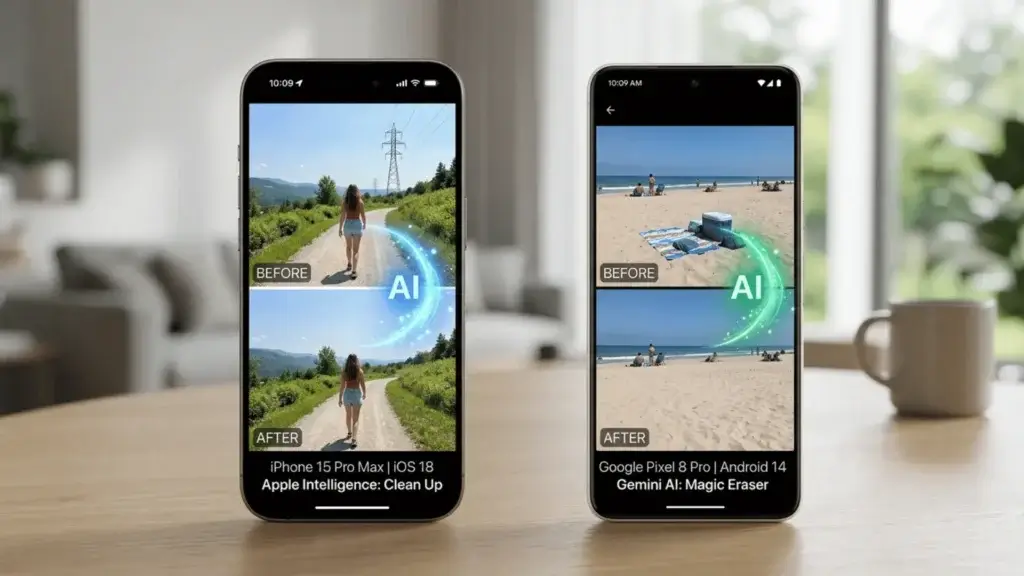
This is the newest battleground and right now Android is the more adventurous one. Google bakes Gemini deep into Pixel and Samsung, with on device AI for live translation, call summaries, screenshot understanding, Magic Eraser, and Best Take. Apple Intelligence has improved and is more privacy focused, leaning on on device processing and a stricter Siri, but it has been slower and more cautious to roll out.
The pattern echoes what PCMag found in its testing: Apple is steadily closing the gap, but Android still ships the more experimental and versatile generative AI tools first. If being on the bleeding edge of phone AI excites you, Android currently scratches that itch better. If you would rather AI stay quiet and private until it just works, Apple’s slower approach may suit you.
Battery and charging: Android still charges smarter
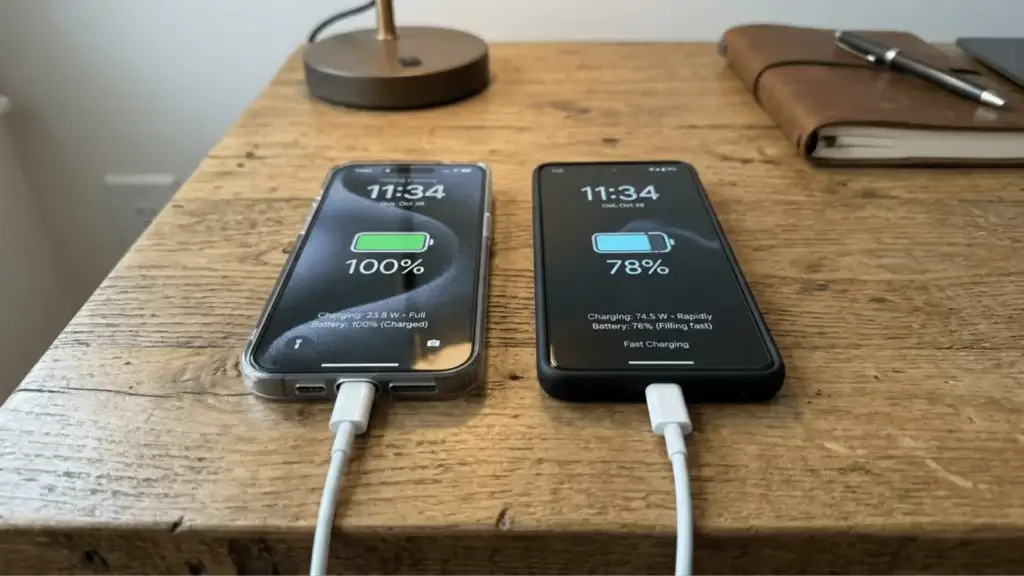
Android generally wins the practical battery fight. Many Android flagships pack bigger batteries and dramatically faster charging, with some refilling fully in around 30 to 40 minutes, while iPhone charging remains comparatively conservative even though it lasts a full day for most users. Android phones also more commonly offer reverse wireless charging to top up earbuds or a friend’s phone.
iPhone’s advantage is efficiency and battery longevity management, plus the convenience of MagSafe accessories. But if you hate waiting at a wall outlet, Android’s fast charging feels like a genuine quality of life upgrade. Over a month, I charged the iPhone overnight and the Android in a quick coffee break, and that flexibility mattered more than I expected.
Privacy and security: iPhone’s quiet edge
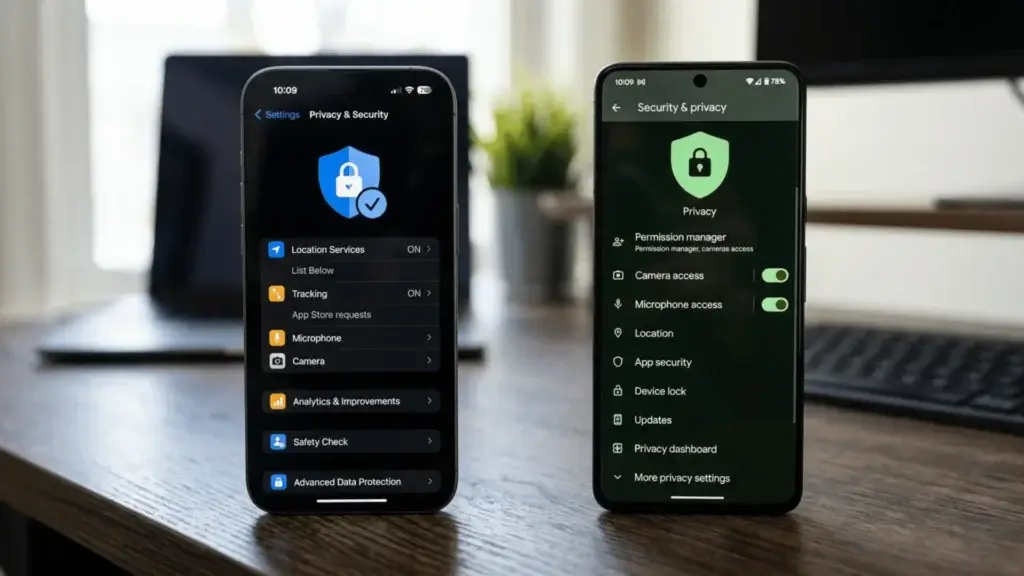
Both platforms are far more secure than people assume, and both get fast security patches on flagship devices. But iPhone keeps a structural edge. The App Store is more tightly policed, app tracking transparency forces apps to ask before tracking you, and because Apple controls the whole stack, sketchy apps have a harder time. The consensus across security minded threads still leans iPhone for the average, less technical user.
Android has closed the gap impressively with sandboxing, granular permissions, Play Protect, and excellent privacy dashboards, and Pixel arguably offers the most secure Android experience. The catch is that Android’s openness, the same freedom power users love, also gives careless users more rope to hurt themselves with sideloaded apps. If set and forget safety is your priority, iPhone is the calmer choice.
Updates and longevity: a real tie now
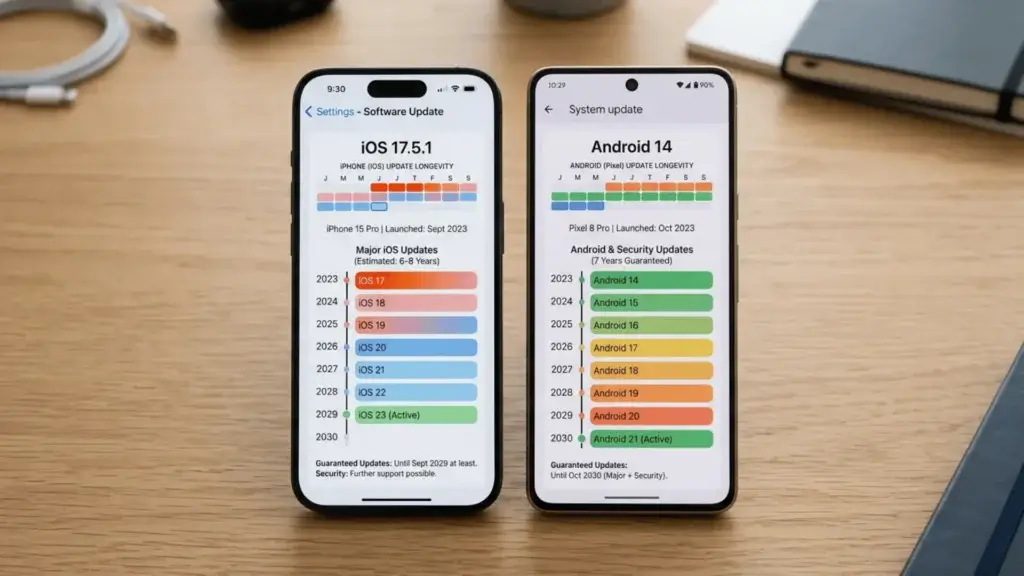
This used to be an easy iPhone win, but no longer. Apple still supports iPhones with major updates for many years, which is fantastic for resale value and peace of mind. The huge change is that Google and Samsung now promise seven years of OS and security updates on their flagship phones, matching Apple’s longevity head on.
The asterisk is that this long support only applies to premium Android phones. Budget and midrange Android devices still get fewer years of updates, while even a cheaper iPhone inherits Apple’s long support cycle. So at the flagship level it is a tie, but across the whole lineup iPhone is more consistent.
Price and value: Android wins every budget
This one is simple. Apple makes excellent phones, but it only competes at the premium and upper midrange. Android competes at literally every price, from $150 to $1,500. If you have a strict budget, Android gives you a usable, even good phone where Apple gives you nothing new at all. The Galaxy S26 starts around $799 to $999 tiers depending on model, the Pixel 10 launched at $999, and the iPhone 17 starts around $1,199 for the Pro line, but Android also has hundreds of options far below any of these.
Value is not only the sticker price though. iPhones hold resale value better, so the long term cost can be closer than it looks. Still, if your question is how much phone can I get for the least money today, Android is the undisputed answer.
Switching is finally easy (so do not fear it)
A quiet but important 2026 update: switching between platforms barely hurts anymore. Apple’s Move to iOS app and the newer Transfer to Android flow both move your contacts, photos, messages, and more with a few taps. Cloud photos, your password manager, and most subscriptions follow you instantly. The lock in is more social and habit based now than technical. If you want a clean photo move specifically, our walkthrough on how to transfer photos from Android covers the safest methods.
What I personally noticed after a month with both
Living with both at once taught me something the spec tables hide. iPhone reduced the number of decisions I had to make. Things just worked, the camera never let me down, and I never thought about the phone, which is its own kind of luxury. Android made the phone feel like mine. The faster charging, the call recording, the freely arranged home screen, the cheaper price, all of it added up to a device that bent to my habits instead of the other way around.
The 50 plus switcher threads I read backed this up almost perfectly. People who left iPhone for Android raved about freedom, customization, and value, but missed iMessage, video stability, and the seamless Apple ecosystem. People who left Android for iPhone loved the stability and resale value but missed the back button, the file system, and the flexibility. Notice that nobody regretted the hardware. They regretted leaving habits behind.
So which should you buy?
Buy an iPhone if your family and friends are on iMessage, you want the safest video camera, you value resale and long term smoothness, you already own a Mac, iPad, AirPods, or Apple Watch, or you simply want a phone you never have to think about.
Buy an Android if you want customization and real control, you are on any kind of budget, you love fast charging and call recording, you want the best zoom camera or a folding phone, you like trying new AI features first, or you just refuse to be locked into one company’s walled garden.
For a deeper look at how Apple’s pricing has shifted recently and whether it is still worth it, see our breakdown of the Apple price increase. And if you want to verify any spec yourself, Apple lays its hardware out on the official iPhone page and Google does the same at android.com.
iPhone vs Android FAQ
Is iPhone better than Android?
Neither is universally better. iPhone is better for simplicity, video, resale, and Apple ecosystem users. Android is better for customization, value, charging, and freedom. The best phone is the one that matches how you actually live.
Is Android safer than iPhone?
For a careful, technical user, Android can be just as safe, and Pixel is excellent. For the average person who wants safety by default, iPhone still has a structural edge thanks to tighter app review and stronger anti tracking defaults.
Do iPhone and Android text properly now?
Yes. With RCS support on iPhone, texting between the two is much better, with typing indicators, read receipts, and quality media. Full iMessage features like blue bubbles and effects still only work between Apple devices.
Is it hard to switch from iPhone to Android or back?
No. Move to iOS and Transfer to Android move your contacts, photos, and messages in a few taps. The hardest part is leaving habits and iMessage, not the data itself.
Which lasts longer with updates?
At the flagship level it is a tie now, since Google and Samsung match Apple’s roughly seven years of updates. Across cheaper models, iPhone is more consistent because even budget iPhones inherit long support.
The bottom line
iPhone vs Android is no longer a fight about which platform is good, because both are excellent. It is a fight about who you are. Want a phone that quietly handles everything and plays nicely with other Apple gear? Get the iPhone. Want a phone that bends to your will, charges in minutes, and exists at any price? Get an Android. There is no wrong answer, only the right answer for you.
Your turn: settle it in the comments
Now I want to hear from you, and do not just lurk and scroll past. Which side are you on, and more importantly, why? If you switched recently, tell us in the comments what shocked you most and what you secretly miss from the other side. iPhone people, what would it actually take to make you try Android? Android people, is there any iPhone feature you are quietly jealous of? Drop your current phone and your honest verdict below. I read and reply to every comment, and the most useful real world takes will get pinned to help the next person decide.