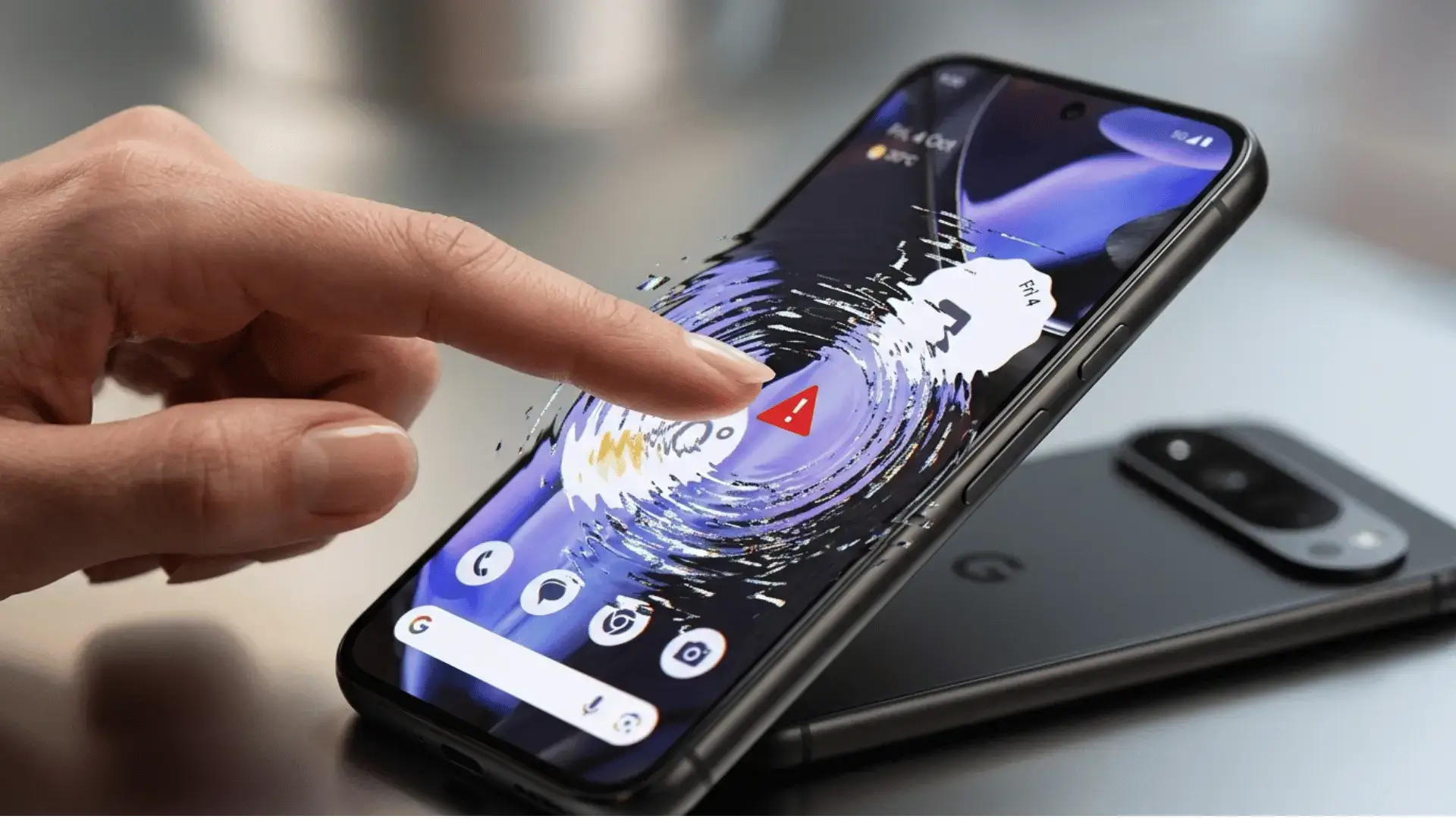
The Android 17 touchscreen problem is spreading fast, and Google Pixel owners should think twice before installing the update. Android 17 is causing serious touchscreen problems on phones ranging from the Pixel 6 to the Pixel 10, with users reporting ignored taps, dead zones, frozen screens, and scrolling that moves in the wrong direction.
Google has confirmed that it is aware of the issue and is working on a fix, but the company has not shared a date for a permanent patch. Until then, many people are choosing to wait.
Android 17 touchscreen problem: what is going wrong
The trouble began soon after Android 17 started reaching Pixel phones on June 16, 2026. Within days, complaints spread across Reddit, Google’s official Pixel support forums, and the company’s public issue tracker. One user titled a post “Pixel June 2026 update disaster,” and plenty of others agreed.
The most common complaints include:
- Taps that do nothing or register in the wrong spot
- Dead zones where part of the screen stops responding
- Scrolling that reverses direction
- Delays of up to 30 seconds just to swipe back or switch apps
Some owners also report extra bugs after the update, such as 5G dropping down to LTE, widgets vanishing from the home screen, and a broken search bar.
Which Pixel phones are affected
Reports cover a wide range of devices, from the Pixel 6 all the way up to the Pixel 10 series. It is worth saying clearly that not every Pixel is affected. Many people have updated with no trouble at all. But the number of complaints is large enough that caution makes sense.
Has Google said anything
Yes. An official Google Pixel account replied to one of the Reddit threads, and the bug has been logged on the company’s issue tracker. Google has suggested a few troubleshooting steps while it investigates, but it has not named the root cause or promised a patch date.
How to fix Android 17 touchscreen problems
If your screen is already acting up, try these steps before doing anything drastic:
- Restart the phone by pressing and holding the Power and Volume Up buttons together
- Reboot into Safe Mode to check whether a third party app is involved
- Clear the system cache from recovery
- Install any small updates that arrive, since fixes often land quietly
If your Pixel is still on Android 16 and running fine, the safest move is to wait. Let Google push the fix first, then update.
Should you update to Android 17 now
For most people the answer right now is simple. If you have not updated yet, hold off for a little while. If you already updated and everything works, there is no need to panic. Just keep an eye out for the next patch, which should address these touchscreen issues.
How long until the Android 17 touchscreen problem is fixed
Google has not given an exact date for a patch, but fixes for an issue this visible usually arrive within a few weeks, either through a small update or the next monthly security release. In the meantime, avoid factory resetting your phone, since that rarely solves a software level bug like this one and you could lose your data for nothing. If the trouble makes your phone hard to use, advanced users can roll back to the previous build, though most people are better off simply waiting for the official fix and keeping automatic updates turned on so the patch installs as soon as it is ready.
Before you install any big update, it is smart to back up your phone first. Our guide on how to transfer photos from your Android phone shows you how to save your memories, and if your phone already feels slow, these tips to speed up your Android phone can help.
For the official rollout details, see the Google Pixel update community post, and Android Authority has been tracking the bug closely.