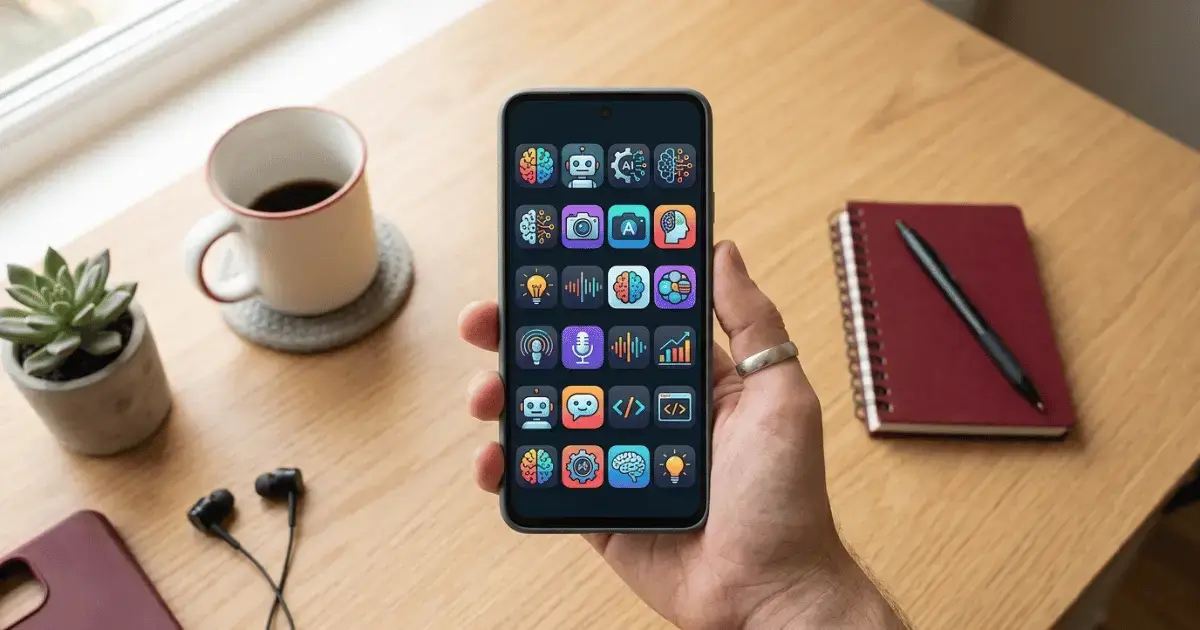
Not long ago, the AI apps on the Play Store felt like a bit of a gimmick. Most of them were simple chatbots wearing a shiny new logo, and very few were worth keeping. Things look completely different in 2026. The best free AI apps for Android can write a message for you, clean up a blurry photo, shorten a long article into a few clear lines, and even turn a recorded class into tidy notes you can read later.
The best part is that you do not need a flagship phone or a monthly subscription to enjoy any of this. I used every app on this list on a normal mid range Android phone, and each one has a free version that stands on its own. Below you will find the apps worth a place on your home screen this year, what each one is genuinely good at, a real example of how to use it, and a simple way to pick the few that suit you.
What makes an AI app worth your storage
A good AI app should save you time on something you already do, whether that is writing, studying, editing photos, or searching for clear answers. It should open quickly, respond fast, and help you straight away without asking for money on day one. Every app below passes that test, so you can install any of them with confidence.
1. Google Gemini, the assistant already on your phone
Gemini is Google’s own AI assistant, and on many newer Android phones it is built in and ready to use. You can talk to it out loud, point your camera at a plant or a product and ask what it is, or ask it to draft a reply while you are busy with something else. Because it connects to Gmail, Maps, and Google Photos, it is brilliant at the small daily jobs that usually eat your time. Ask it to summarise a long email, plan a route home, or suggest a birthday gift, and you get a clear answer in seconds.
Good for: quick answers, voice help, and anything tied to your Google account.
2. ChatGPT, the one most people reach for
ChatGPT is still the app most people open when they need to write something, fix a clumsy email, or have a difficult idea explained in plain words. The free plan is more than enough for daily use, and you can speak to it instead of typing, which feels natural once you try it. Students use it to break down hard topics, and busy parents use it to plan meals for the week. Treat it like a patient helper that never gets tired of your questions.
Good for: writing, studying, planning, and getting unstuck.
3. Microsoft Copilot, free pictures and writing in one place
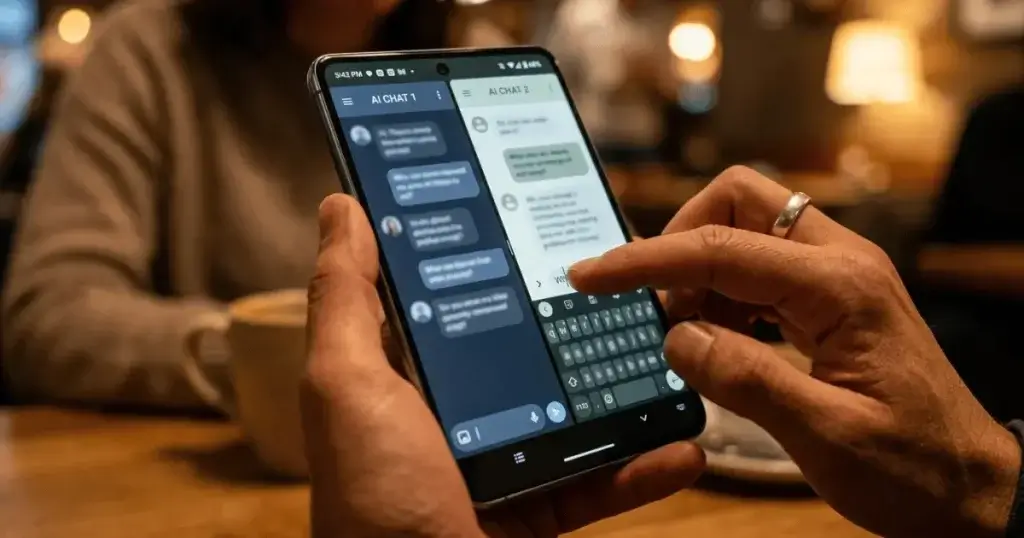
Copilot gives you a capable chat assistant and free image creation in the same app. Describe a picture in a sentence and it draws it for you, which is handy for social posts, simple thumbnails, or just for fun with the kids. It also helps with writing and quick research, so it is a strong all rounder if you want one app that does a little of everything.
Good for: making quick AI images and getting writing help together.
4. Perplexity, answers you can actually trust
Instead of handing you a wall of blue links, Perplexity reads the web and gives you a clear answer with the sources listed underneath. That means you can check where a fact came from before you rely on it, which matters for school work, health questions, and buying decisions. It feels less like a search engine and more like asking a well read friend who shows their working.
Good for: research and any question where you want to see the source.
5. Google Photos, smart editing you already own
There is a good chance this one is already on your phone. The built in editor uses AI to remove a stranger from the background of a photo, sharpen a slightly blurry shot, and fix dull lighting with a couple of taps. You do not need to learn anything complicated. Open a photo, tap edit, and try the suggested fixes before you share it.
Good for: tidying up photos in seconds before you post them.
6. Canva, design without the skills
Canva uses AI to help you make posters, social posts, and simple logos even if you have never designed anything. You can type what you want and let it build a first draft, then drag things around until you are happy. For small business owners and anyone running a page, it turns a blank screen into a finished design fast.
Good for: posters, social media graphics, and quick branding.

7. Otter, turn talking into clean notes
Otter listens to a lecture, a meeting, or a quick voice memo and writes down every word, then gives you a short summary at the end. The free plan includes a set number of minutes each month, which is plenty for a few classes or calls. Students love it because they can pay attention in class instead of scribbling, then read the neat transcript later.
Good for: students and anyone who sits through a lot of meetings.
8. Grammarly, better writing everywhere you type
Grammarly works as a keyboard, so it quietly fixes spelling, grammar, and awkward sentences inside any app, from WhatsApp to email to your social posts. The free version covers the basics well and helps you sound clear and confident without thinking about it. If writing in English is not your first language, this one is a quiet daily helper.
Good for: cleaner, more confident writing in every app.
How to choose the right AI apps for you
You do not need all eight. Pick the two or three that match what you do most. If you want one app for almost everything, start with Gemini or ChatGPT. If photos are your thing, Google Photos is already waiting for you. If you study or sit in meetings, add Otter. The goal is a small set of apps you actually open, not a crowded home screen you ignore.
Are free AI apps safe to use
For the most part, yes, as long as you stick to well known apps from the official Play Store. Even so, it is wise to keep some information to yourself. Do not paste passwords, bank details, or private personal records into any AI chat. Think of these apps as a smart helper sitting next to you, not a locked safe. A little caution keeps the benefits without the worry.
Frequently asked questions
Are these AI apps really free?
Yes. Every app here has a free plan that is enough for everyday use. Some offer paid upgrades for heavy users, but you can get real value without spending anything.
Which is the best free AI app for students?
ChatGPT or Gemini for explaining tricky topics and helping with writing, plus Otter for turning lectures into notes you can revise from.
Do these apps work without internet?
Most need a connection because the AI runs online, so if you are on a tight plan it helps to know how to save mobile data on Android. A few features, such as some Google Photos edits, still work when you are offline.
Is there a free AI app that summarises text?
Yes. ChatGPT, Gemini, and Perplexity can all shorten a long article or document into a few clear points for free.
Will these apps slow down my phone?
No. They are light to install and run. If your storage is tight, simply keep the two or three you use most and remove the rest, and if your phone already feels slow, try these easy ways to speed up your Android phone.
Key takeaways
AI on your phone is no longer just for tech fans or people with expensive devices. With a normal Android phone and a handful of free apps, you can write faster, study smarter, fix your photos, and find clear answers without paying a penny. Start with one assistant such as Gemini or ChatGPT, add a photo tool and a notes tool, and you will feel the difference in your first week.
For more honest picks and simple guides, have a look around our AI & Gadgets section.