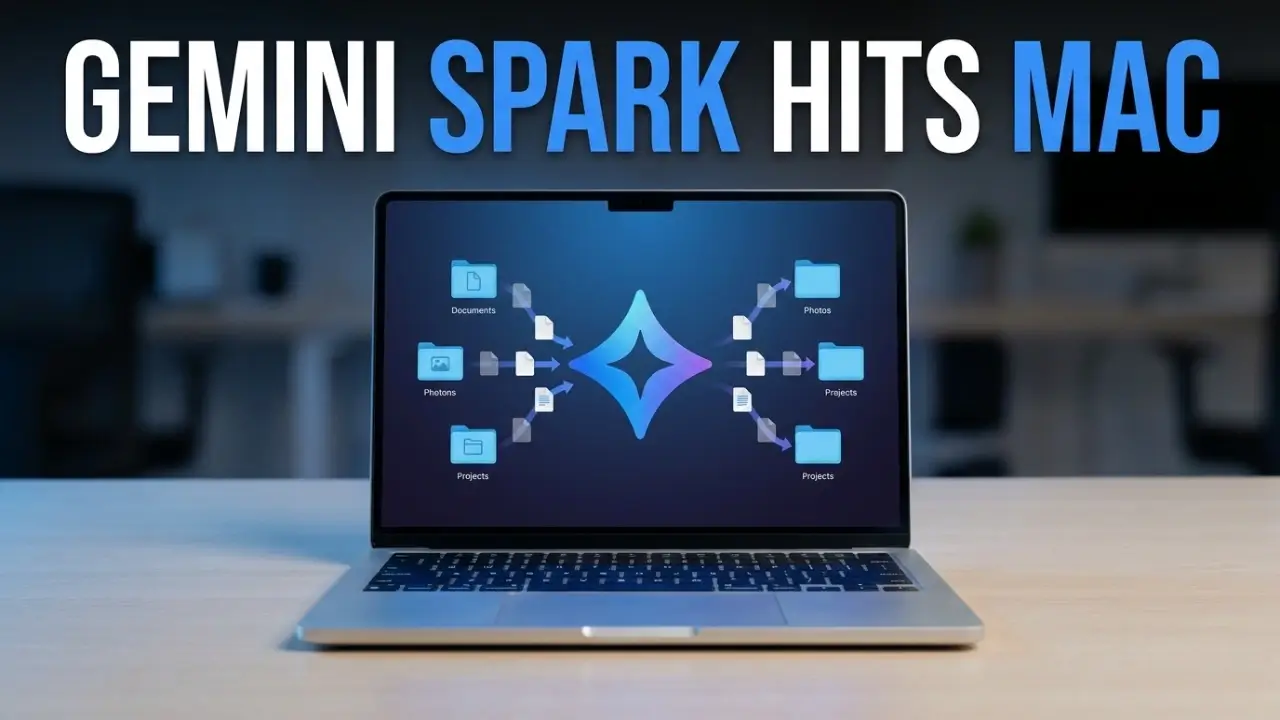
Gemini Spark on Mac has arrived, and it turns Google’s AI from a chat box into an agent that actually does work on your computer. Google switched on Spark inside the Gemini macOS app on July 1, 2026, giving it permission to open your local files, sort your folders, and build documents on your behalf. This matters because it pushes the AI assistant race from answering questions to finishing tasks, and it affects anyone on a Mac who is drowning in files, invoices, and busywork.
Key points
- Gemini Spark is now live in the Gemini app for macOS.
- It can access your local files, but only the ones you approve.
- It sorts folders, builds spreadsheets, and runs Google Workspace tasks.
- It is in Beta for Google AI Ultra subscribers in the US, 18 and over.
- Remote tasks from your phone are coming soon.
What happened
Google brought Gemini Spark, its always-on personal AI agent first shown at Google I/O 2026, to the desktop. Until now Spark worked mainly through a remote browser and a cloud computer. With the macOS launch, it steps out of the chat window and onto your actual machine. That is the big shift: Gemini Spark on Mac can see and act on the files sitting in your Downloads and Documents folders, not just text you paste into a prompt.
What Gemini Spark on Mac can do
The headline feature is real file handling. Here are the capabilities Google is shipping:
- Sort files instantly. Ask it to move every PDF in your Downloads folder into the right project folders, and it does the manual sorting for you.
- Build documents from your files. Point it at your latest invoices and ask for a budget spreadsheet, then have it update that sheet on a schedule.
- Work across Google Workspace. It connects your desktop to Docs, Sheets, and more, so it can pull local data into your cloud tools.
- Turn notes into action. With Google Keep and Google Tasks now connected, it can scan your scattered brain dumps in Keep and turn them into a real task list.
- Plug into your apps. New integrations include Canva, Dropbox, Instacart, OpenTable, and Zillow Rentals, plus support for custom Model Context Protocol connections.
- Track topics in real time. Spark can watch news, sports, finance, shopping, weather, and your email, and ping you the moment something changes.
Importantly, Google says Gemini Spark on Mac only touches the files you give it permission to use, which is the guardrail most people will want to check first.
Why it matters
For most of the last few years, AI assistants have been reactive. You ask, they answer. Gemini Spark on Mac flips that into action. An agent that can organize your desktop and assemble documents saves real time on the boring parts of computer work.
It also raises the competitive heat. The macOS launch puts Spark directly against desktop agents like Claude Desktop, Microsoft Copilot, and OpenClaw. Google is betting that deep ties to Workspace, Gmail, and your local files will make Spark the agent people actually leave running all day.
Availability at a glance
| Detail | Info |
|---|---|
| Platform | Gemini app for macOS (Beta) |
| Who can use it | Google AI Ultra subscribers, 18+ |
| Region and language | US, English at launch |
| Where to get it | gemini.google/mac |
| Coming soon | Remote tasks triggered from your phone |
Who can use it right now
This is an early rollout, so the door is narrow. Gemini Spark on Mac is available in Beta to Google AI Ultra subscribers who are 18 or older, starting in the United States and in English. If you are on a free plan or a lower tier, you will need to wait or upgrade. You can download the app directly at gemini.google/mac.
What is coming next
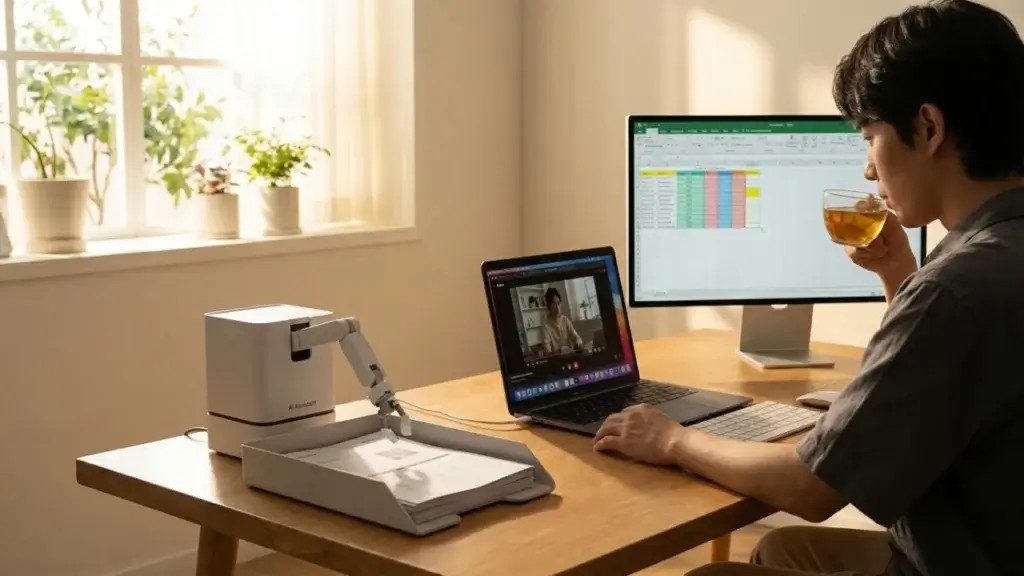
Google says the most futuristic part is still on the way. Soon you will be able to trigger Gemini Spark on Mac remotely from your phone. Picture asking it, while you are out, to find a specific sales report on your Mac, pull the total revenue figure, and email it to you. The desktop does the work while you are away. Google has also promised a new voice experience for the Gemini desktop app later this summer.
FAQ
- Is Gemini Spark on Mac free?
- No. At launch it is limited to Google AI Ultra subscribers who are 18 or older, starting in the US.
- Can Gemini Spark see all my files?
- No. Google says Spark only accesses the files you explicitly give it permission to use, so you stay in control of what it can touch.
- How is Spark different from the normal Gemini assistant?
- Regular Gemini is reactive and answers prompts. Gemini Spark on Mac is proactive. It runs in the background, connects to your apps, and takes actions like sorting files and building documents on your behalf.
Final thoughts
Gemini Spark on Mac is a real step toward an AI that works while you do something else. The Beta is small for now, but the direction is clear: your assistant is becoming a doer, not just a talker. If you live inside Google Workspace, this is the update to watch.
Want more on Google’s AI push? Read our take on Gemini Intelligence, our Claude Sonnet 5 vs Gemini showdown, and the best free AI apps for Android.
For the primary sources, see Google’s official blog, TechCrunch, and 9to5Google.