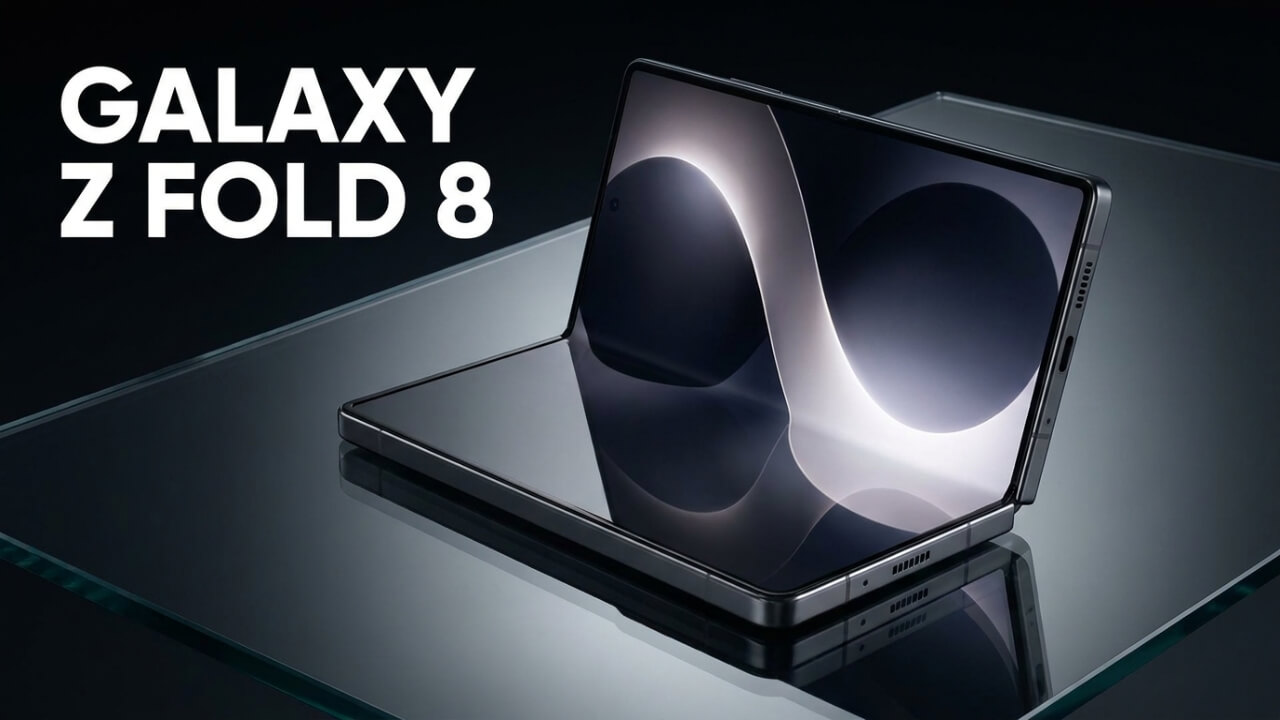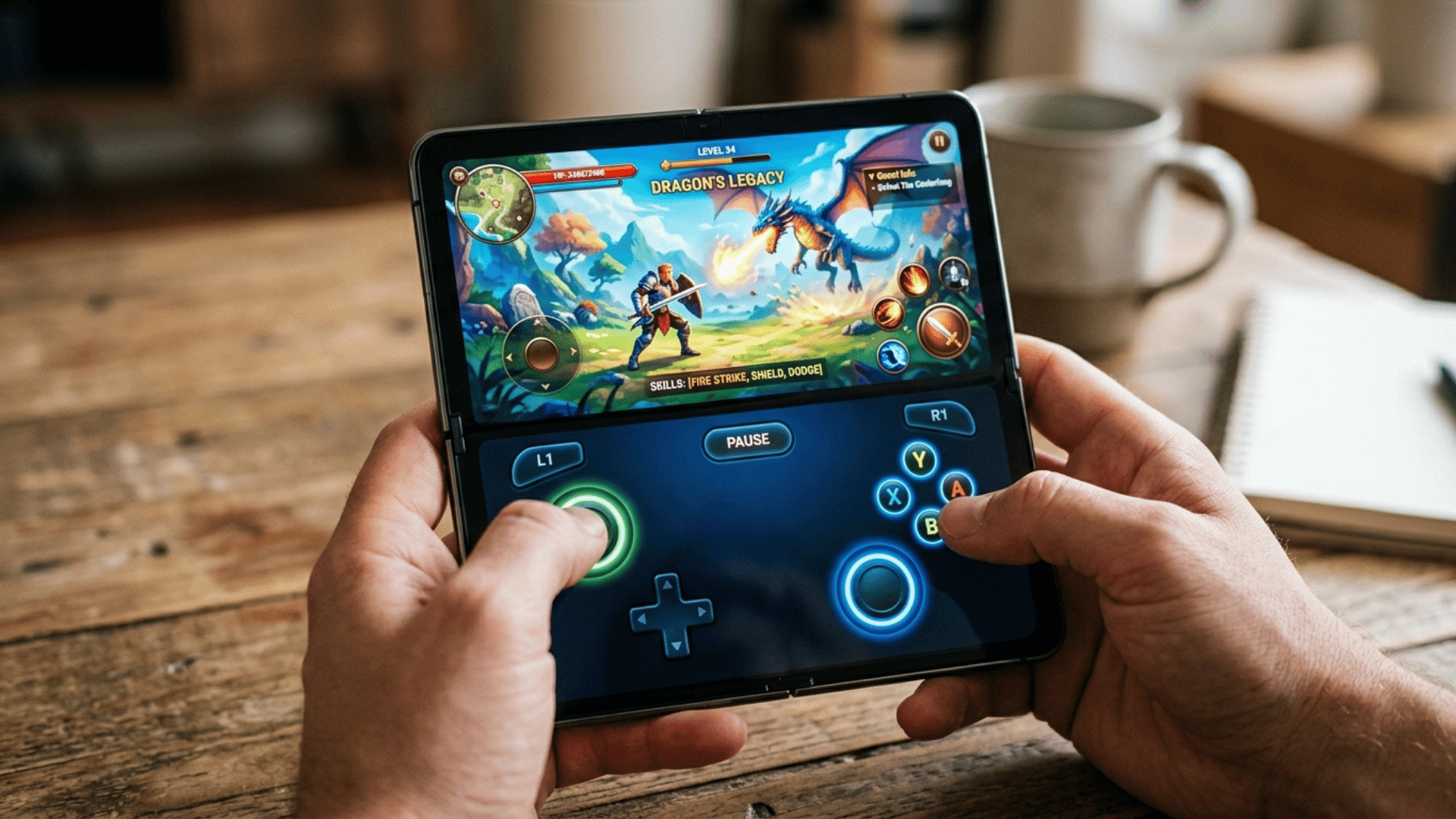
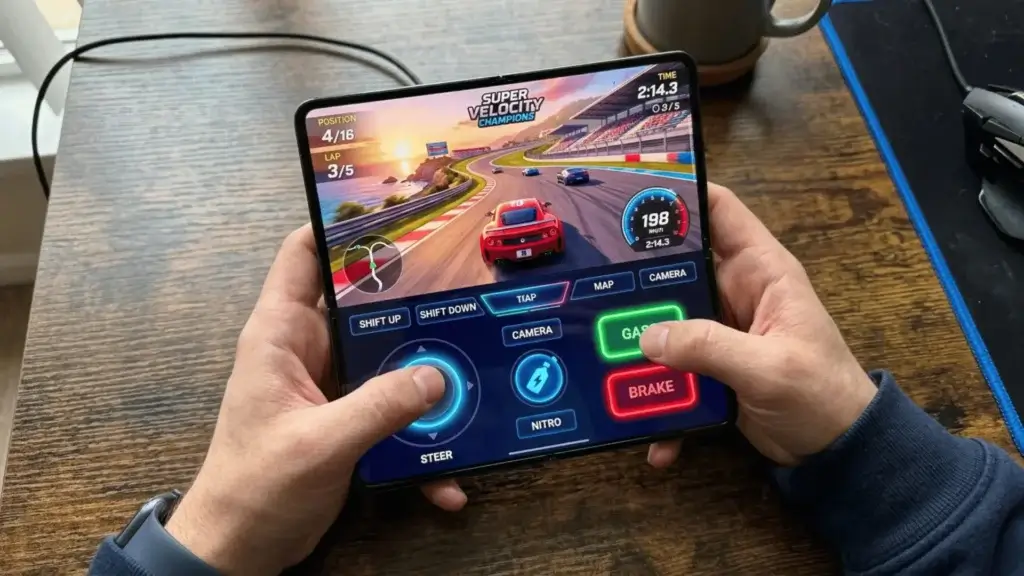
The Android 17 foldable gaming mode is one of the most exciting features Google has shown off so far, and it could be a real upgrade for foldable phones. When you turn it on, the Android 17 foldable gaming mode splits the inner screen in half, putting your game on the top and a full virtual gamepad on the bottom.
Google previewed the mode this week, and it is built to work with almost any game that already supports a physical controller. The feature is enabled in Android 17 and will roll out in the coming months.
How Android 17 foldable gaming mode works
The idea is simple but clever. Once you unfold your phone, either before or after launching a compatible game, the display splits into a 50/50 layout. You get a clean, unobstructed game view on the top half and a dedicated virtual gamepad on the bottom half.
What makes it powerful is that the virtual gamepad emulates physical controller button presses at the system level. In plain terms, it works with any game that supports a physical controller, even if the developer never added touch controls for it. You do not need to carry a Bluetooth controller or a clip on gamepad anymore.
Customize your controls
Google is giving players plenty of room to make the controls their own. You can adjust the thumbstick layout, button size, visual themes, and haptic feedback to match your hands and play style. If you do plug in an external controller, Android 17 also supports native button remapping. Some have already compared the split screen look to a classic Nintendo DS.
Better performance for big games
The Android 17 foldable gaming mode is not only about layout. Google says it has made memory cleanup more efficient for high definition games, which should reduce frame drops and stutters. The company has not published specific benchmarks yet, so we will need to test it once it ships.
When can you use it
Foldable gaming mode is enabled in Android 17, but Google says it will become available in the coming months rather than on day one. You will also need a foldable phone to use it, since the feature is designed around the large inner display.
Why this matters
Foldables are still a smaller part of the market, but the Android 17 foldable gaming mode gives people a real reason to consider one. Turning half the screen into a proper gamepad solves one of the most annoying parts of mobile gaming, which is fiddly touch controls that cover the action.
If a foldable is out of your budget for now, there are still great value options. Check our picks for the best Android phones under $200, and if you want more out of your current phone, these free AI apps for Android are worth a look.
For the official details, see Google’s Android 17 features blog, and The Verge has a hands on look at the mode in action.