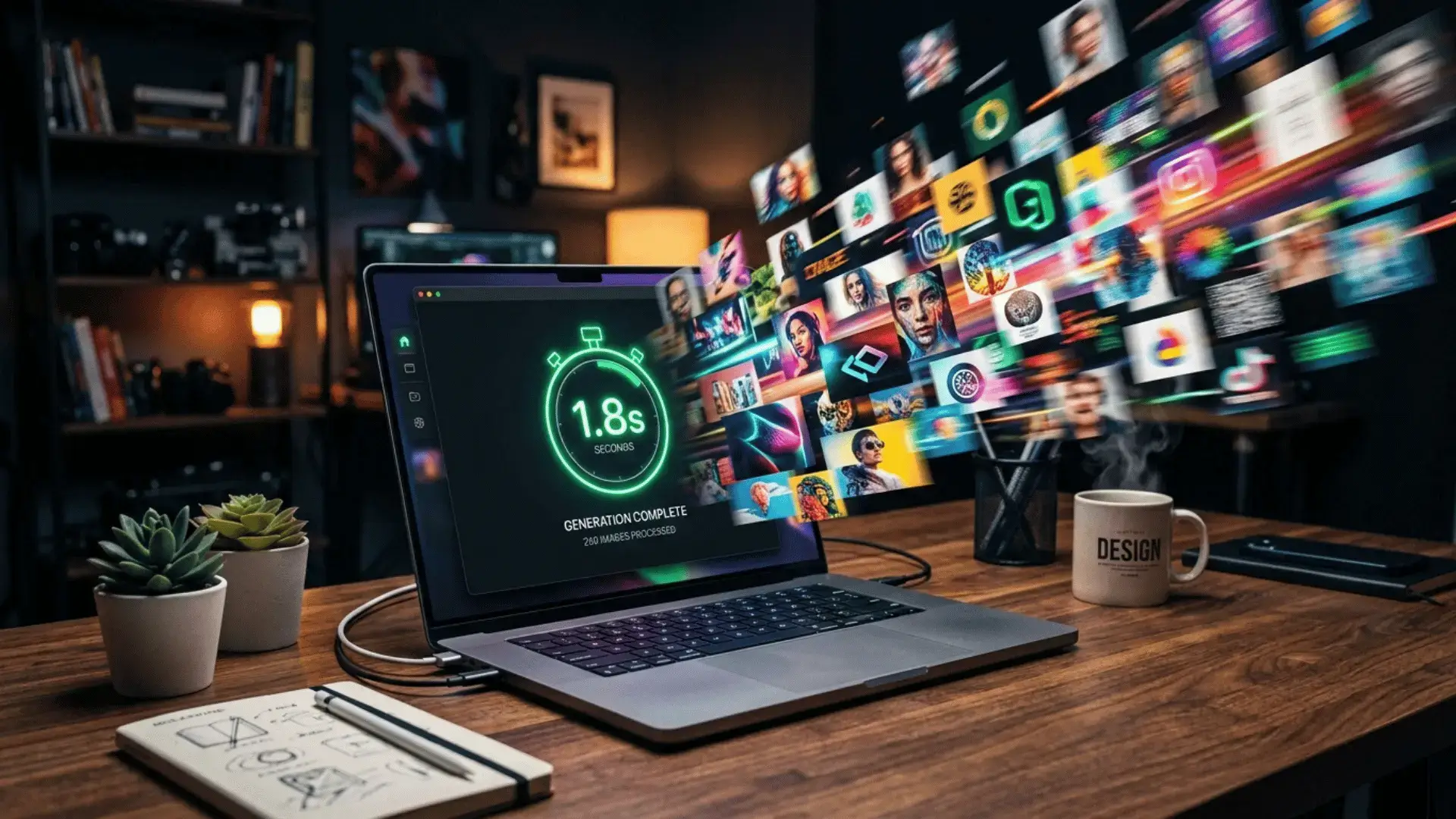
Nano Banana 2 Lite is Google’s newest AI image model, and it quietly landed on June 30, 2026 with one loud promise: raw speed. While the internet argued about chatbots all week, Google shipped the fastest and cheapest way to make images inside the whole Gemini family. If you build thumbnails, product shots, or social graphics every day, this little model is about to change your workflow.
⚡The short version: Nano Banana 2 Lite (officially Gemini 3.1 Flash Lite Image) is engineered for sub-2-second image generation at a tiny fraction of the cost of the Pro models. It is the speed specialist of the Nano Banana family, and you can try it free inside Google AI Studio right now.
So what exactly is Nano Banana 2 Lite?
Think of the Nano Banana lineup as a team with three players. Nano Banana Pro is the perfectionist that renders crisp, legible text. The standard Nano Banana 2 is the balanced all-rounder. And now Nano Banana 2 Lite is the sprinter, tuned for one thing above all else: getting a usable image on your screen almost instantly.
Google describes it as its “fastest and cheapest Gemini image model, engineered for velocity and scale.” That focus on speed is exactly why it matters for creators and small businesses who generate images in bulk.
The Nano Banana family at a glance
| Model | Codename | Best for | Speed |
|---|---|---|---|
| Gemini 3 Pro Image | Nano Banana Pro | Posters, legible text, 4K detail | Slower |
| Gemini 3.1 Flash Image | Nano Banana 2 | Balanced quality and speed | Fast |
| Gemini 3.1 Flash Lite Image | Nano Banana 2 Lite | High volume, real-time apps | Fastest |
Why the “Lite” model is a bigger deal than it sounds
A lot of people skip past “lite” versions, assuming they are watered down. That is the wrong way to read this launch. Speed and cost are features, not compromises, when you are producing dozens of images a day.
Here is what stands out:
- Sub-2-second latency. It targets image generation in under two seconds, which makes it usable inside real-time apps and interactive tools.
- Ultra-low cost. Reduced compute means you can generate at volume without watching your bill climb.
- Ten aspect ratios. It adds 1:1, 3:2, 2:3, 3:4, 4:3, 4:5, 5:4, 9:16, 16:9, and 21:9, so you can match any platform from Instagram to a widescreen blog header.
- Up to 14 reference images. You can blend as many as fourteen references into one final image, which is huge for keeping a consistent character or brand style.
If you have ever used Google’s AI to build content, this pairs perfectly with the workflow we covered in our guide to the best free AI apps for Android.
How to try Nano Banana 2 Lite for free
You do not need a developer account to play with it. The fastest route is through Google AI Studio.
- Open Google AI Studio in your browser and sign in with a Google account.
- Start a new prompt and pick the image model from the model menu.
- Select the Lite image option (the model name is gemini-3.1-flash-lite-image).
- Type a clear prompt, choose your aspect ratio, and generate.
- Want to edit instead of create? Upload an image and describe the change in plain language.
Inside the Gemini app itself, you can also tap the Create images tool and switch between Fast, Thinking, and Pro modes depending on how much quality or speed you need.
Should you use Lite or Pro?
This is the real question, and the honest answer is that it depends on the job.
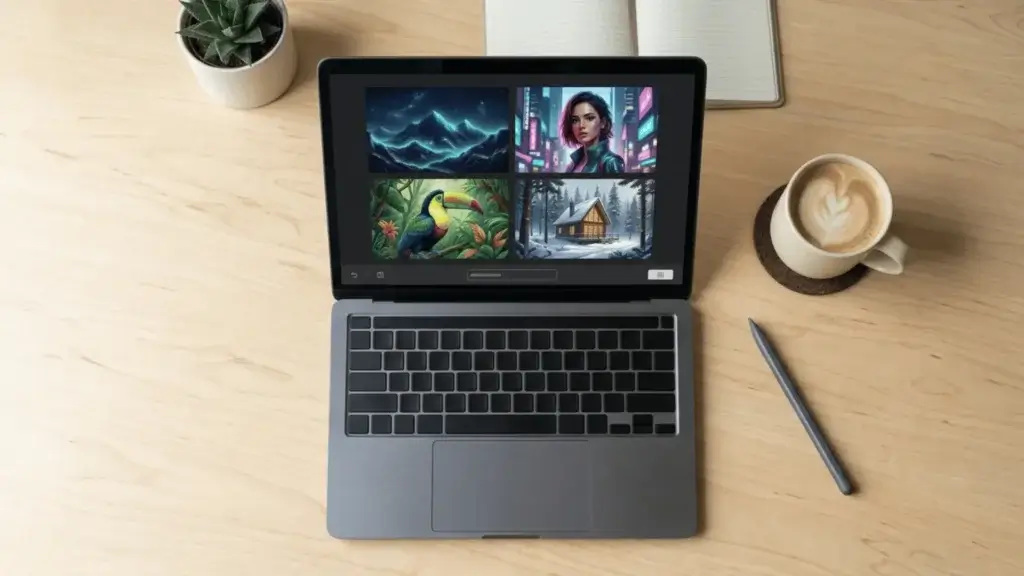
✅Pick Nano Banana 2 Lite when you need speed and volume: social posts, quick drafts, thumbnails, product variations, or anything inside a real-time app.
🎯Pick Nano Banana Pro when the image must contain clean, readable text, like a poster or a mockup, or when you need maximum 4K fidelity for a hero shot.
For most bloggers and social creators, Lite will handle the vast majority of daily work, and you can reach for Pro only when a single showpiece image needs to be flawless.
Frequently asked questions
- Is Nano Banana 2 Lite free?
- Yes, you can try it free through Google AI Studio. Heavy or commercial use through the API and Vertex AI is billed, but it is priced as the cheapest option in the Nano Banana family.
- Nano Banana 2 Lite vs Nano Banana Pro, which is better?
- Neither is simply “better.” Lite wins on speed and cost for everyday, high-volume images. Pro wins on text rendering and top-end detail. Choose based on the task, not the label.
- When was Nano Banana 2 Lite released?
- Google announced Nano Banana 2 Lite on June 30, 2026, alongside the developer availability of Gemini Omni Flash.
The bottom line
Nano Banana 2 Lite is not a stripped-down afterthought. It is a deliberate bet that speed and cost are what most creators actually need, and it delivers both. If you generate images regularly, open Google AI Studio, run a few prompts side by side with Pro, and see how much time you save.
Want the wider picture on Google’s AI push this year? Read our breakdowns of Gemini Intelligence and why Gemini 3.5 Flash is draining tokens faster than people expected.
You can also dig into the official details on the Google DeepMind Gemini Image page and the Nano Banana image generation docs.