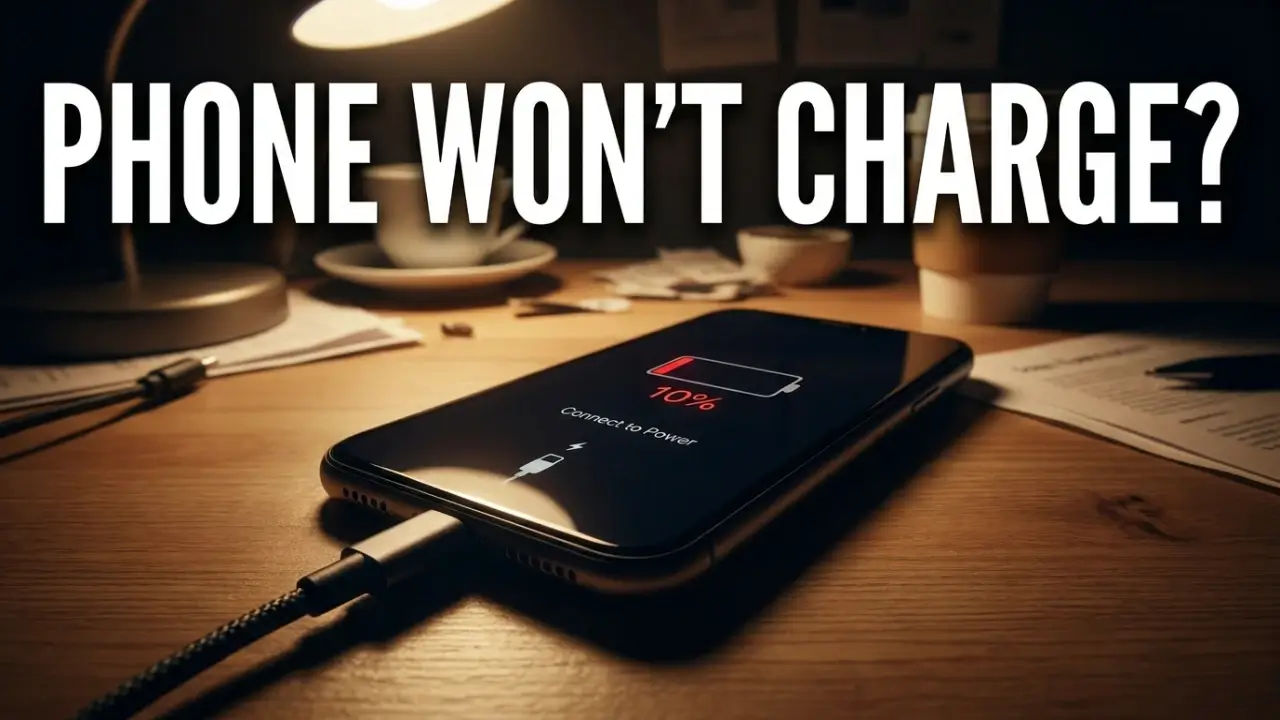
There are few sinking feelings quite like plugging in your phone at night, waking up in the morning, and seeing the battery still sitting at 4 percent. No charge, no warning, just a dead phone when you needed it most. Before you panic or start pricing out a new device, take a breath. Most charging problems are small, and you can usually fix them yourself in a few minutes.
This guide covers exactly how to fix phone not charging issues, from the two second checks to the deeper fixes. I have ordered them from most common to least, so start at the top and stop as soon as your phone starts charging again. No jargon, no filler, just what works.
Table of Contents
Is it the phone or the charger?
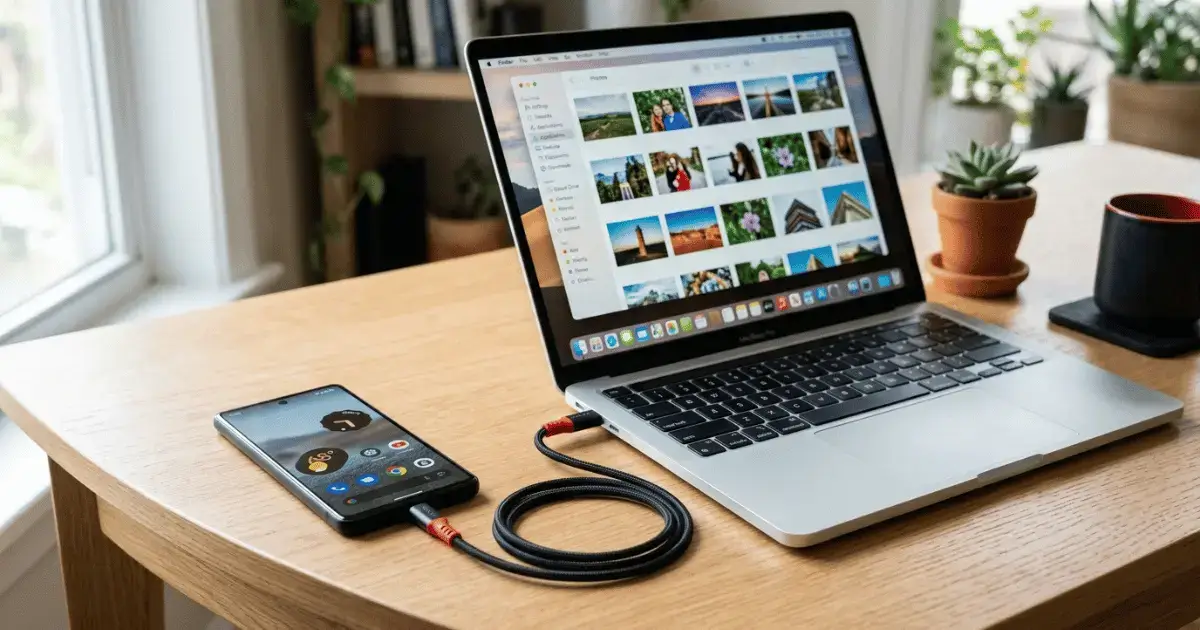
This is the first question to answer, and it saves a lot of stress. A phone that will not charge is often the victim of a broken cable or a bad wall adapter, not a faulty phone. Here is a quick way to narrow it down.
| Test | What it tells you |
|---|---|
| Try a different cable | Rules out a frayed or broken cable |
| Try a different wall adapter | Rules out a dead charging brick |
| Try a different outlet | Rules out a dead socket |
| Charge a different phone with your setup | Confirms whether the charger works at all |
Cables are the most fragile part of any charging setup. They bend, fray, and die long before the phone does. If you have a spare, swap it in first.
How to fix phone not charging, step by step
1. Try a different cable and adapter
Start here every time. Borrow a known good cable and plug it into a different adapter. If your phone springs to life, you have found your problem and it costs a few dollars to replace, not hundreds. Cheap, damaged cables are the single most common reason a phone stops charging.
2. Plug straight into a wall outlet
Charging through a laptop USB port, a power strip, or a car socket is slow and unreliable. Go straight to a wall outlet with a proper adapter. This gives your phone the steady power it needs and rules out a weak power source.
3. Clean the charging port (the fix everyone forgets)
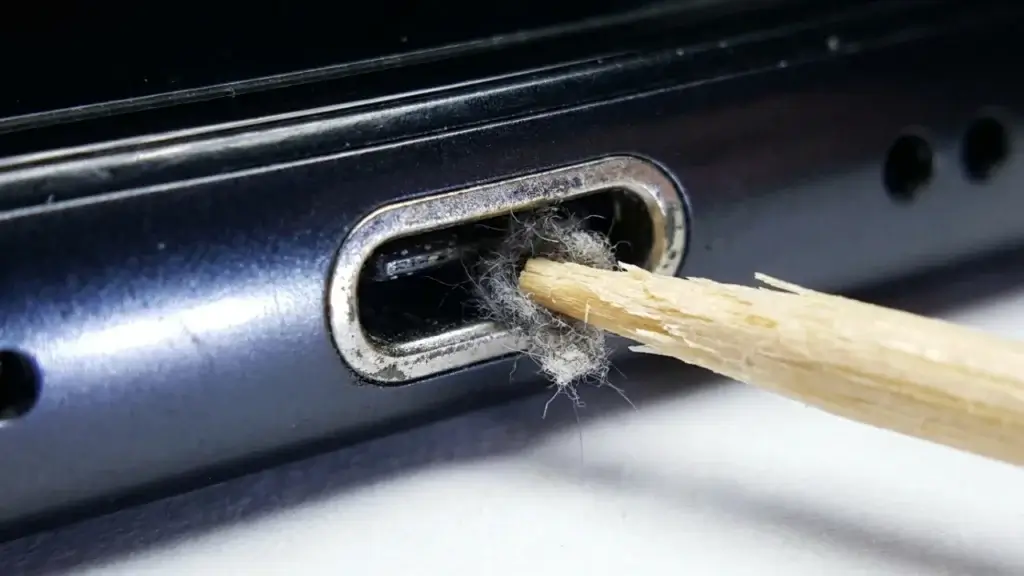
This is the hidden hero of how to fix phone not charging. Your charging port is a tiny open pocket that collects pocket lint, dust, and grime all day long. Over time it packs down so tightly that the cable cannot make a full connection.
- Turn the phone off first.
- Shine a light into the port. If you see gray fuzz, that is your problem.
- Gently scrape it out with a wooden or plastic toothpick. Go slowly and never use metal, which can short the contacts.
- Finish with a light puff of compressed air.
Many people are stunned when a phone that refused to charge for weeks springs back to life after a two minute cleaning.
4. Inspect the port and cable for damage
Look closely at the metal tip of your cable and inside the port. Bent pins, green corrosion, or burn marks are bad signs. A frayed cable near the connector should be thrown out immediately, both because it will not charge well and because it can be a fire risk. Never keep using a cable with exposed wires.
5. Restart your phone
A frozen system can stop the phone from registering the charger. Restart it fully. If your screen is totally black, hold the power button for 10 to 20 seconds to force a restart. Sometimes the battery has charge but the phone is simply locked up and not showing it.
6. Give a fully dead battery time
If your phone drained to zero and sat there, it can take several minutes of charging before the screen even shows a battery icon. Plug it in, walk away, and give it a solid 15 to 30 minutes before you decide it is not working. A deeply dead battery wakes up slowly.
7. Try wireless charging (or rule it out)
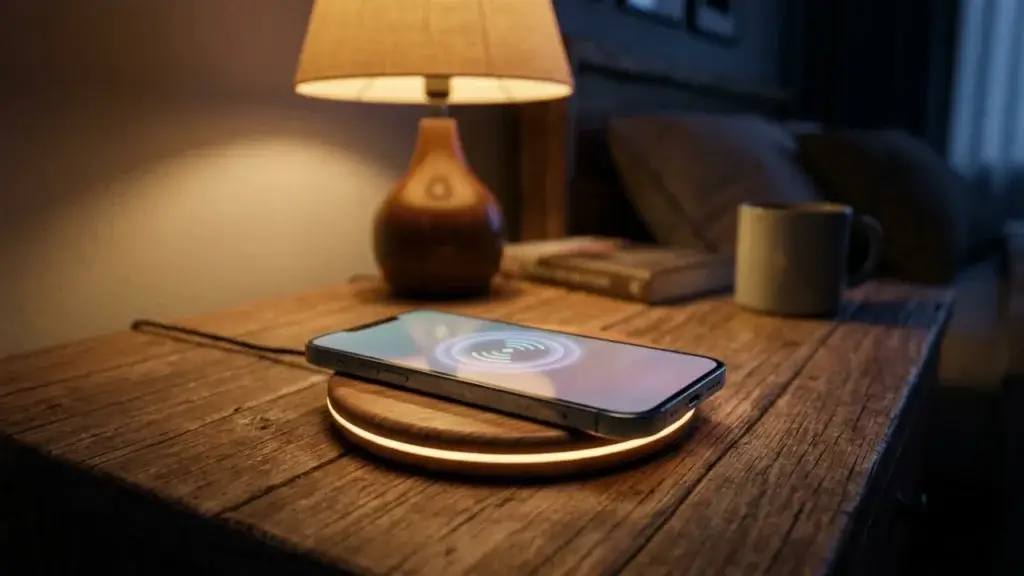
If your phone supports wireless charging and the cable will not work, set it on a wireless pad. If it charges wirelessly but not by cable, your problem is the port or cable, not the battery. This is a great way to keep using your phone while you sort out the wired issue.
8. Update your software
Charging is controlled partly by software, and a buggy update can throw it off. Connect to WiFi, open your settings, and install any pending system update. Manufacturers regularly release patches that fix charging and battery bugs, so this is worth a look.
9. Check your battery health
Batteries wear out. After a few years they hold less charge and may charge slowly or unevenly. On iPhone, look under Battery settings for Battery Health. On many Android phones you can check battery stats in settings or with a diagnostics app. If your battery health has dropped well below 80 percent, a battery replacement will bring the phone back to life for a fraction of the cost of a new one.
10. Dry out a wet port
If you see a moisture warning or the port got wet, do not force charging. Wipe it, stand the phone upright, and let it air dry for a few hours. Charging a wet port can corrode the pins and cause permanent damage. Patience here saves your phone.
Why is my phone charging so slowly?
Slow charging has its own set of causes. Usually it is a low power source, a worn cable, a dirty port, or a battery that has aged. Using the phone heavily while it charges, or charging in a hot room, also drags the speed down. Work through the cleaning and cable steps above, use the correct fast charger for your model, and let the phone rest while it powers up.
When to get it repaired
If you have tried a fresh cable, a clean port, a restart, and a different outlet, and the phone still will not charge, the problem is likely inside. A worn charging port or a failing battery are common and both are affordable repairs, usually somewhere between 40 and 120 dollars depending on your model. That beats replacing the whole phone.
If your device is already old and slow, though, the money might be better spent upgrading. Our refurbished vs new phone guide and our roundup of the best Android phones under 200 dollars can point you in the right direction.
How to keep your charging port healthy
- Blow out or brush your port gently every couple of weeks.
- Use quality cables and avoid the cheapest no-name ones.
- Do not yank the cable out by the wire, pull the connector.
- Keep the phone out of very hot places, since heat is hard on batteries.
- Try not to run the battery to zero over and over.
FAQ
- Why is my phone plugged in but not charging?
- Usually a dirty charging port, a bad cable, or a weak power source. Clean the port with a toothpick, swap the cable and adapter, and plug straight into a wall outlet.
- How do I know if it is the battery or the port?
- Try wireless charging. If the phone charges wirelessly but not by cable, the port or cable is at fault. If neither works and the battery health is low, the battery is likely the problem.
- Is it safe to clean my charging port myself?
- Yes, if you are gentle. Turn the phone off and use a wooden or plastic toothpick, never metal. A light puff of compressed air helps too.
- How long should I wait for a dead phone to turn on while charging?
- Give it at least 15 to 30 minutes. A fully drained battery needs time before the screen shows any sign of life.
Final thoughts
Knowing how to fix phone not charging comes down to a simple habit: check the cheap and easy things first. A new cable, a clean port, and the right wall outlet solve the huge majority of cases in minutes and cost almost nothing. Save the battery replacement and repair shop for when you have truly ruled everything else out. Start at the top of this list and there is a strong chance your phone is charging again before you finish reading.
Want to get more life out of your phone? Read how to speed up your Android phone and how to save mobile data on Android. For official guidance, see Apple Support and Samsung support.