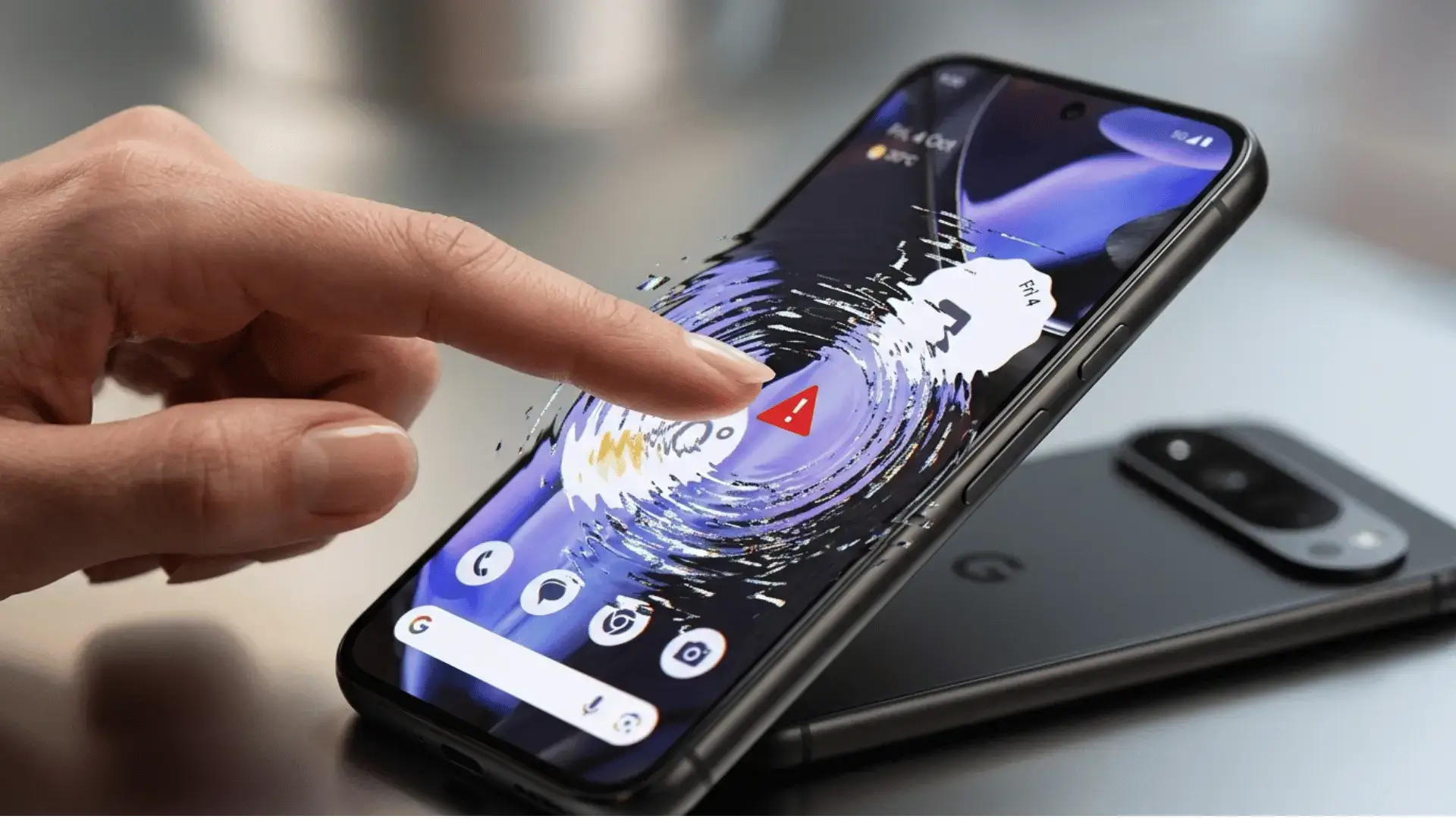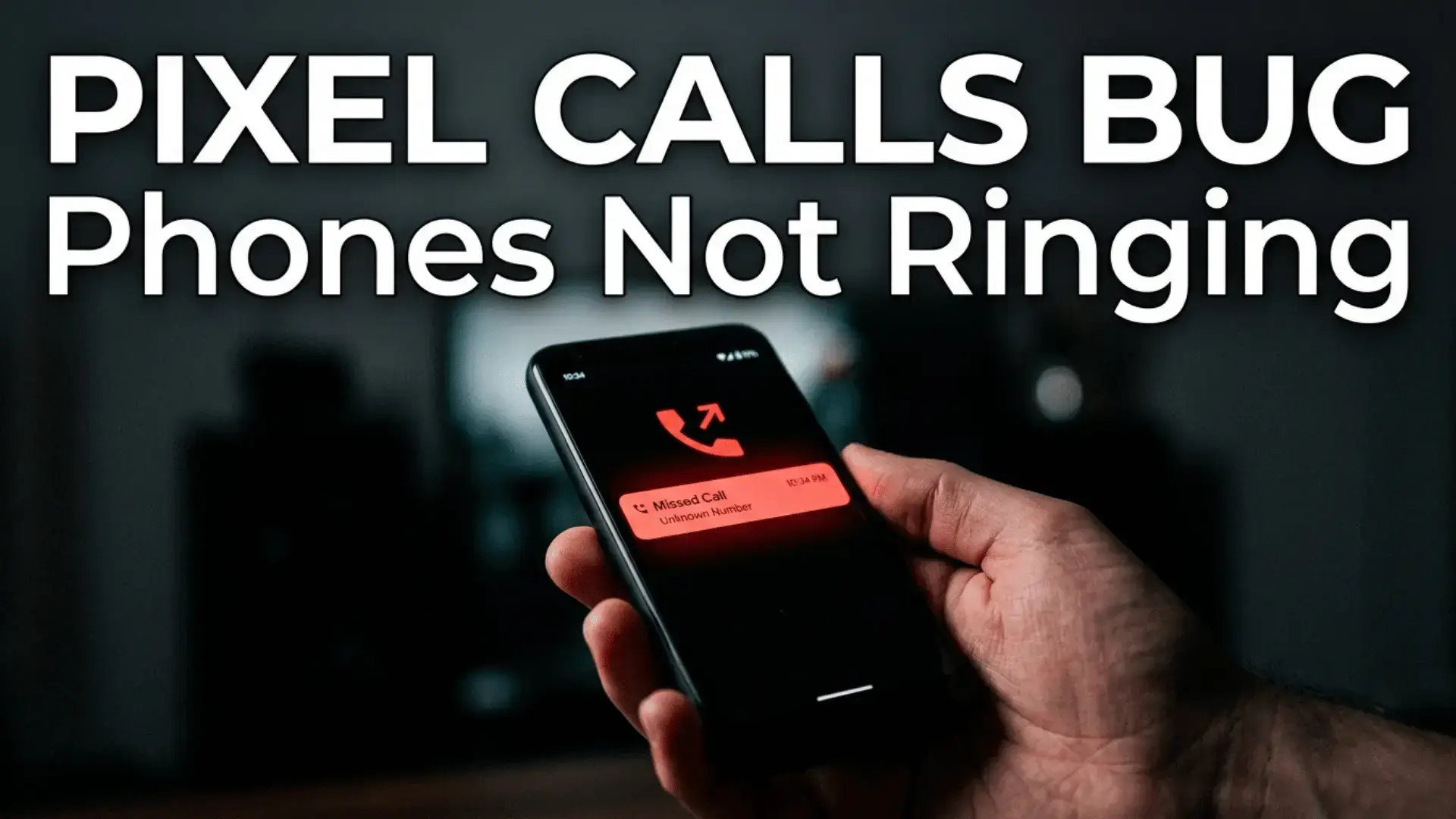
The Pixel calls bug is making Google Pixel phones go strangely quiet, and if you have been missing calls lately, you are not imagining it. A growing number of Pixel owners are affected because their phones simply refuse to ring, and the trail leads straight back to the Android 17 update that rolled out in June. Callers hear normal ringing on their end, but your Pixel stays silent and only shows a missed call minutes later. Here is exactly what is happening and how to get your ringtone working again.
What the Pixel calls bug actually does
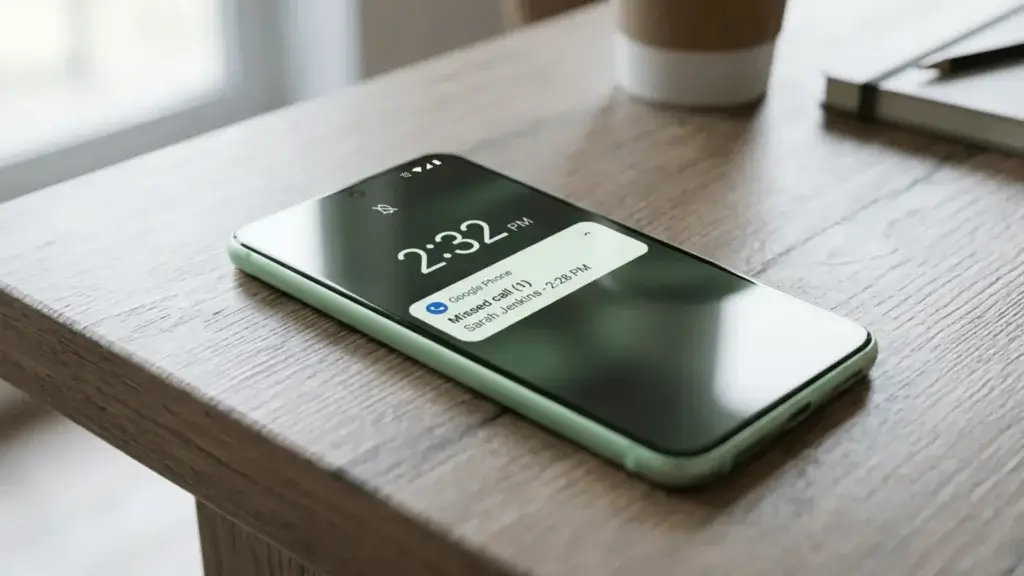
The Pixel calls bug lets incoming calls slip through with no sound, no vibration, and no heads up notification. In most reports the phone behaves as if it is on silent mode, even when silent mode and Do Not Disturb are both switched off. You only find out someone tried to reach you when a missed call notification finally appears. For anyone who depends on their phone for work or family, that is a serious problem, not a minor annoyance.
Which Pixel phones are affected
This is not limited to the newest hardware. Reports so far cover several generations:
- Pixel 10 and Pixel 10 Pro
- Pixel 9 and Pixel 9 Pro
- Pixel 8 series
- Pixel 7 and Pixel 6 series
The common thread is the June 2026 update that delivered Android 17, so any Pixel that installed it can run into the issue.
Why your Pixel is not ringing
Early digging points to a mix of causes. Some cases look like a silent or vibrate flag that gets stuck after the update. Others seem tied to the IMS registration layer, which handles voice calls separately from data, so your internet keeps working while calls quietly fail underneath. That is why a call can go straight to missed while your Pixel still shows full signal bars.
6 fixes for the Pixel calls bug
None of these are official cures yet, but Pixel owners report they help. Work through them in order until your ringtone comes back.
- Restart your Pixel first. It clears the stuck silent state for many users, at least for a while.
- Open Settings, then Sound and vibration, and confirm Do Not Disturb is fully off.
- Toggle Wi-Fi calling off and back on. This resets the call path and often restores ringing.
- Open the Phone app, tap the three dots, go to Settings, and clear the Phone app cache.
- Reset network settings, then power the phone off completely and cold boot it.
- Check Advanced Protection inside the Phone app settings and switch off any aggressive call filtering.
Has Google responded
Google has acknowledged it is looking into reports of Pixel phones silently ignoring calls, but a full fix has not shipped. Until an official patch lands, the workarounds above are your best defence. Coverage from PhoneArena and Stuff.tv confirms the bug is widespread, and the Google Pixel community forum is full of matching reports.
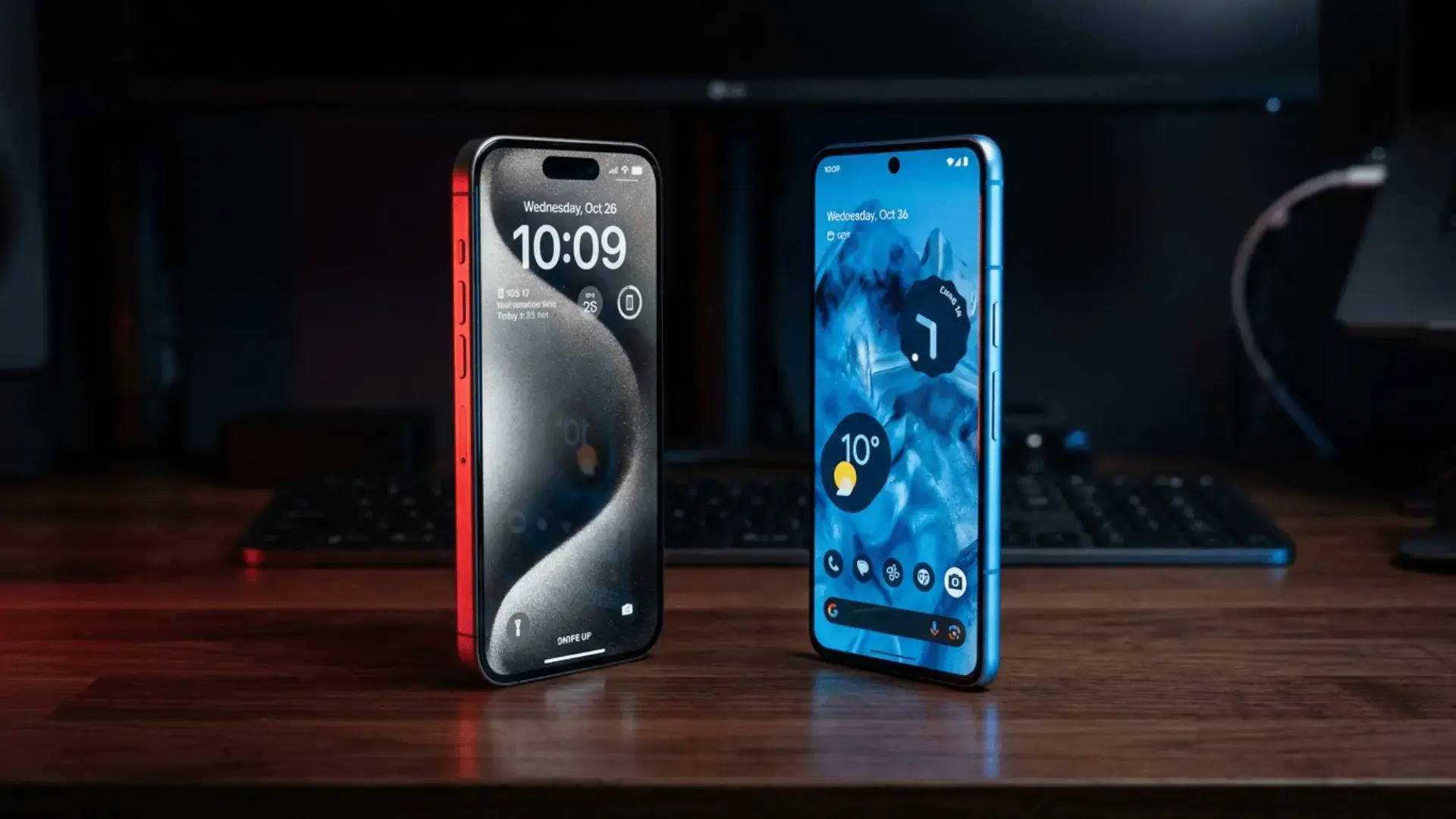
If all this has you rethinking your platform, our comparison of iPhone vs Android is worth a look, and if you want a phone that just works, see our picks for the best Android phones under 200. Feeling sluggish too? Try our guide on how to speed up your Android phone.
FAQ
Why is my Pixel not ringing for incoming calls?
Does the Pixel calls bug affect older models?
Has Google released a fix for the Pixel calls bug?
The bottom line
A phone that does not ring is a phone that is not doing its main job. Until Google pushes a proper fix, keep Wi-Fi calling toggled on and restart your Pixel the moment calls start slipping through. Bookmark this page, because we will update it as soon as an official patch is out.