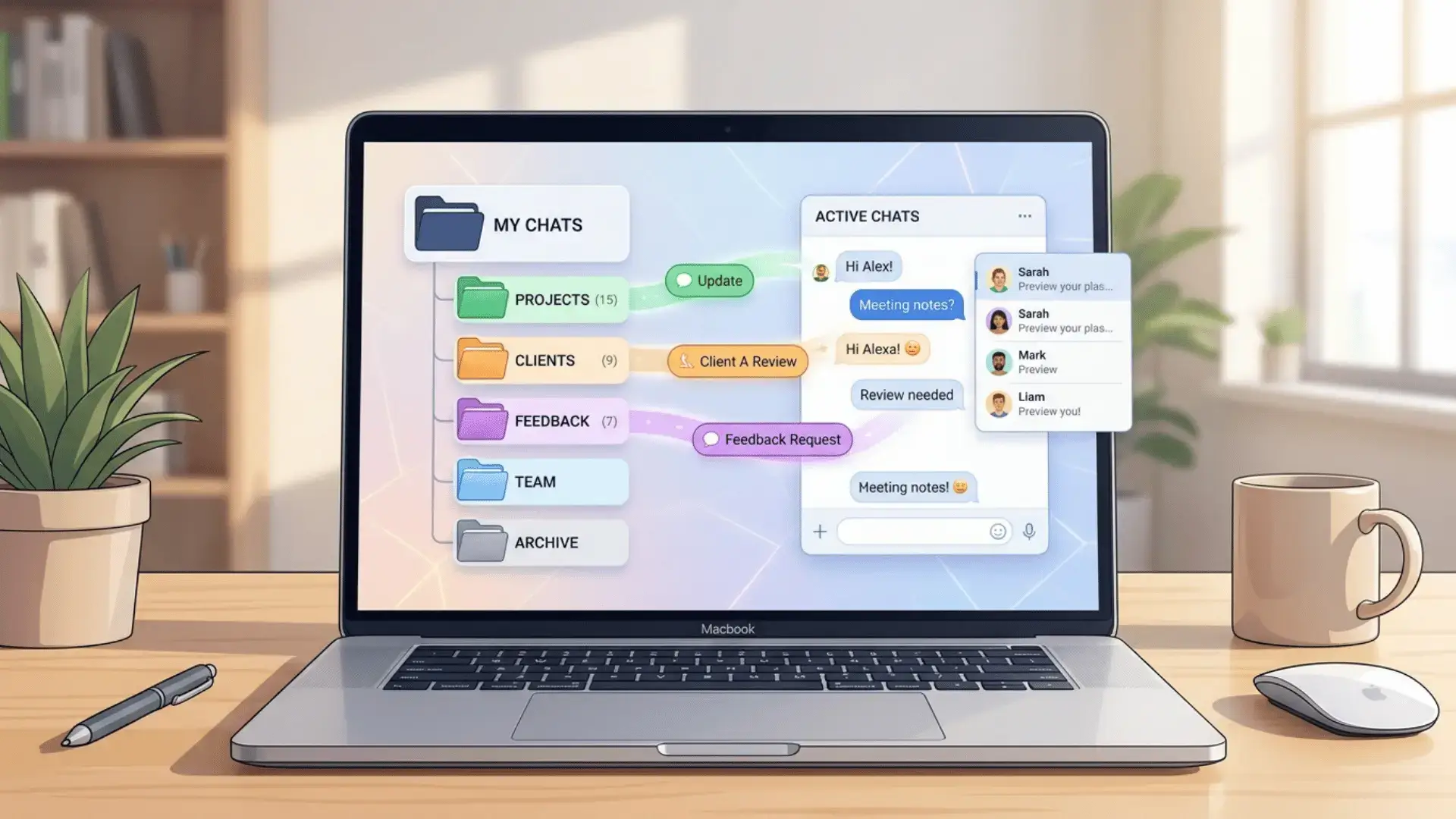
Here is something that probably sounds familiar. You have a brilliant chat with an AI one week, and by the next you cannot find it anywhere. If you live inside tools like ChatGPT, Claude, and Gemini, your best prompts and ideas end up buried under hundreds of other conversations. An AI chatbot conversations archive fixes that. Think of it as one tidy home for every chat worth keeping, so you can actually find and reuse the good stuff instead of scrolling forever.
In this guide I will walk you through exactly how to pull your chats out of each app, where to keep them, and how to set up your AI chatbot conversations archive so it stays genuinely useful and does not turn into another messy folder you never open.
Table of Contents
Why you need an AI chatbot conversations archive
AI chats slip away faster than you think. You crack a tricky bug late at night, write the perfect prompt, or get an outline that finally clicks, and then it vanishes into the scroll. It gets worse. Some apps quietly cap how far back your history goes, and the day you switch tools, all of it can leave with your old account.
A proper AI chatbot conversations archive hands you three real wins. First, you own a permanent backup that no single company can switch off. Second, you can search old prompts and reuse whatever worked instead of reinventing it every time. Third, you are free to jump between AI tools whenever you like, without leaving everything you have learned behind.
How to export chats for your AI chatbot conversations archive
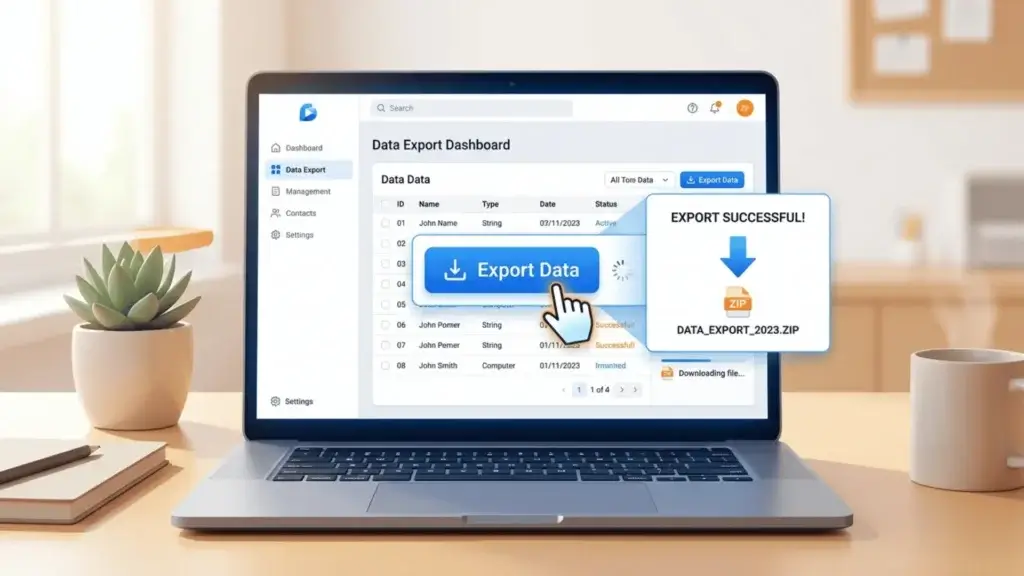
The first real step toward an AI chatbot conversations archive is simply getting your data out of each app. The good news is that all three big players let you do this for free, and none of it takes more than a few minutes. Here is the exact process for each one.
ChatGPT
Open ChatGPT, click your name, then go to Settings, Data controls, and Export data. Confirm when it asks, and OpenAI will email you a download link, usually within a few minutes. Unzip the file and open the chat.html file inside. It lays out every conversation in a clean, readable format you can save anywhere you like.
Claude
In Claude, click your initials in the bottom left corner, open Settings, then Privacy, then Export Data. Anthropic emails you a ZIP file with your conversations, memory, and projects all included. One tip from experience: if the full export takes ages to land, request a shorter date range and it usually shows up much faster.
Gemini
Gemini lives inside your Google account, so the cleanest route is Google Takeout. Open Takeout, deselect everything, then tick only your Gemini Apps activity and export. Once the file downloads, drop those chats in next to the rest of your archive so everything sits in one place.
Best tools to organize your AI chatbot conversations archive
Raw export files are great as a safety net, but let us be honest, nobody enjoys digging through a giant JSON file. These tools turn those exports into an AI chatbot conversations archive you will actually open and use.
- AI Exporter extensions. A good browser add on saves any chat from ChatGPT, Claude, or Gemini to PDF, Word, Markdown, or JSON in one click, and a few sync straight into Notion for you. Perfect if you like to grab single chats as you go.
- Notion. Paste or sync your chats into Notion, tag them by topic, and let the search do the heavy lifting. In seconds you can pull up any old prompt. This is the one I would pick if you want something clean that is easy to share with a team.
- Obsidian. Prefer to keep everything on your own machine? Save each chat as a Markdown file and drop it into an Obsidian vault. You get lightning fast local search, offline access, and total ownership of your data.
Tips to keep your AI chatbot conversations archive useful
An archive is only useful if you can actually find things in it later. A few small habits keep your AI chatbot conversations archive tidy instead of letting it pile up into digital clutter.
- Save as you go. The moment a chat proves useful, export it. Telling yourself you will do it later is exactly how good chats get lost.
- Use clear titles. Rename each chat so you know what is inside at a glance. Something like Python script for CSV cleanup beats Untitled chat 47 every time.
- Tag by topic. Group everything into a handful of themes such as work, study, coding, or ideas, so related chats naturally live together.
- Prune now and then. Once a month, clear out the throwaway chats so only the genuinely useful ones survive.
- Back it up twice. Keep one copy in the cloud and one on your device. The day one of them fails, you will be very glad you did.
Final thoughts
Setting up an AI chatbot conversations archive takes maybe twenty minutes, and it quietly pays you back every single time you reuse an old prompt or rescue an idea you thought was gone. Export your chats from ChatGPT, Claude, and Gemini, give them a home in Notion or Obsidian, and keep things tidy with clear titles and tags. Do that, and your scattered AI history slowly turns into a personal knowledge base that genuinely makes you faster.
Want to go further with AI? See our picks for the best AI automation tools and the best free AI apps for Android.
For official export steps, you can sign in at Claude and use the built in export, or grab a one click AI Exporter extension to save chats instantly.