You are watching a video or reading a message when you notice it: a pale, cloudy blotch on your screen that will not go away. Rub it, wipe it, restart the phone, and it just sits there staring back at you. White spots on a phone screen are unsettling because they feel permanent, and you are left wondering if your phone is slowly dying.
Here is the honest truth up front. Some white spots can be fixed at home, and some cannot. The difference comes down to what is causing them. In this guide I will show you how to fix white spots on phone screen problems where a fix is actually possible, explain what causes them in plain language, and help you decide when a repair is the smarter move. No false promises, just a clear plan.
What are white spots on a phone screen?
White spots are pale patches, dots, or cloudy blotches that appear on your display and stay in place no matter what is on screen. They are different from smudges because you cannot wipe them away, and they usually show up most clearly on a bright or white background. Depending on the cause, they can be tiny pinpricks or large fuzzy clouds.
| Type of spot | What it usually means |
|---|---|
| Tiny fixed white or bright dot | A stuck or dead pixel |
| Cloudy blotch that grows | LCD pressure damage, often called a bruise |
| Spot after a drop | Cracked or shifted internal layers |
| Spot after heat or sun | Heat damage to the display panel |
What causes white spots on phone screens?
Understanding the cause tells you whether a home fix has any chance of working. Here are the main culprits.
- Pressure damage. Sitting on your phone, packing it tightly in a bag, or pressing the screen hard can bruise the display layers and leave a pale spot. This is one of the most common causes.
- Drops and impacts. A fall can crack or separate the internal layers even if the glass looks fine, creating white blooms near the impact point.
- Dead or stuck pixels. Sometimes individual pixels fail and get stuck showing white or bright light.
- Heat and sunlight. Leaving your phone on a hot dashboard or in direct sun can damage the panel and cause discoloration.
- Trapped light or a shifted backlight. On some phones the reflector or light guide behind the screen slips, letting light pool in one spot.
- Water or moisture. Liquid seeping behind the display leaves cloudy marks as it dries.
How to fix white spots on phone screen, step by step
Start with the safe, easy fixes. Only try the physical methods with real care, and stop if a spot gets worse.
1. Restart your phone first
Always rule out software. Restart the phone fully and look again on a plain white background. A true hardware spot will still be there, but this quick step confirms you are not chasing a temporary display glitch.
2. Run a screen test
Open a plain white image, then a plain black one, and cycle through solid red, green, and blue. Free screen test apps do this automatically. Watching how the spot behaves on different colors helps you tell a dead pixel from a deeper panel bruise, which matters for what comes next.
3. Try a pixel-fixer app for tiny dots
If you are dealing with a small stuck pixel rather than a cloudy bruise, a pixel-fixer app can sometimes help. These apps rapidly flash colors on the affected area to jolt a stuck pixel back to life. Run it for 15 to 30 minutes. This only works on stuck pixels, not on pressure damage, so keep your expectations realistic.
4. Gentle pressure method (use extreme caution)
For certain pressure spots on older LCD screens, some people apply very light, careful pressure to redistribute the liquid crystals. If you try this, turn the phone off, place a soft cloth over the spot, and press very gently with a fingertip or a soft eraser tip. Stop immediately if nothing improves. Pressing too hard makes things worse and can crack the screen, so this is a last ditch, low odds attempt.
5. Let the phone cool down
If the spot appeared after heat exposure, move the phone somewhere cool and shaded and give it time. Never put it in the freezer, since condensation causes worse damage. Mild heat marks sometimes fade once the panel returns to normal temperature.
6. Check for and dry out moisture
If the spots followed water contact, power the phone off, dry the outside, and let it sit upright in a dry room for a day or two. Cloudy marks from trapped moisture can sometimes clear as the phone dries, though water behind a screen often needs a professional.
7. Know when a fix is not possible
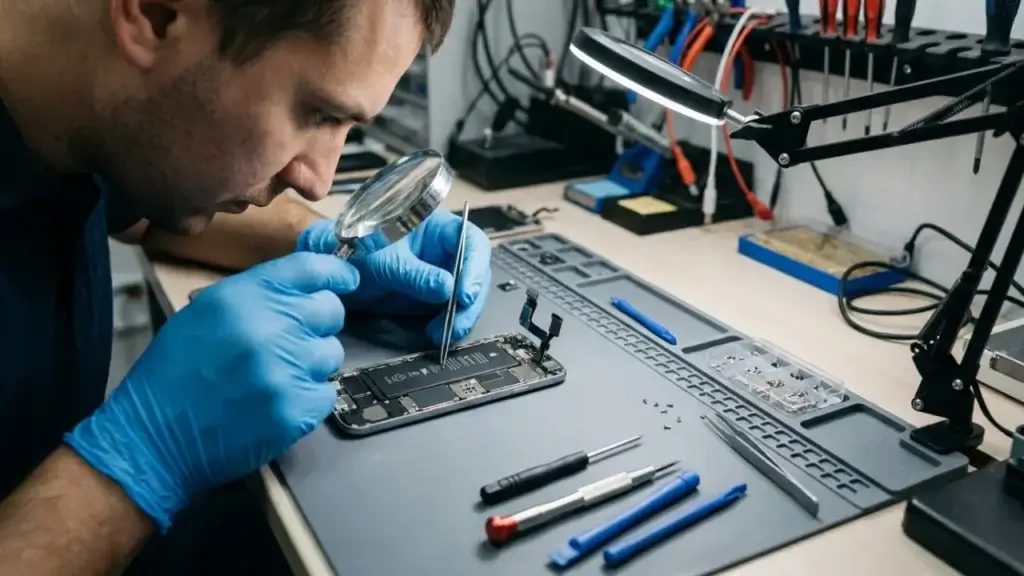
Here is where honesty matters. If your white spot is a growing cloudy bruise, came from a drop, or covers a large area, no app or home trick will remove it. The damage is physical, inside the display, and the only real fix is a screen repair or replacement. Trying aggressive pressure or heat at that point risks turning a small problem into a shattered screen.
How much does it cost to repair white spots?
Because white spots usually mean display damage, the fix is a screen replacement. Costs vary a lot by phone. A budget phone screen might run 50 to 100 dollars, a mid range device often lands around 100 to 200 dollars, and premium flagships can cost 250 to 350 dollars or more. Because a screen is one of the priciest parts, it is always worth comparing the repair price against the value of your phone.
If the repair costs more than half of what your phone is worth, upgrading may make more sense. Our guides to the best Android phones under 200 dollars and refurbished vs new phones can help you weigh it.
How to prevent white spots on your screen
Prevention is far easier than any fix:
- Never sit or lie down with your phone in a back pocket.
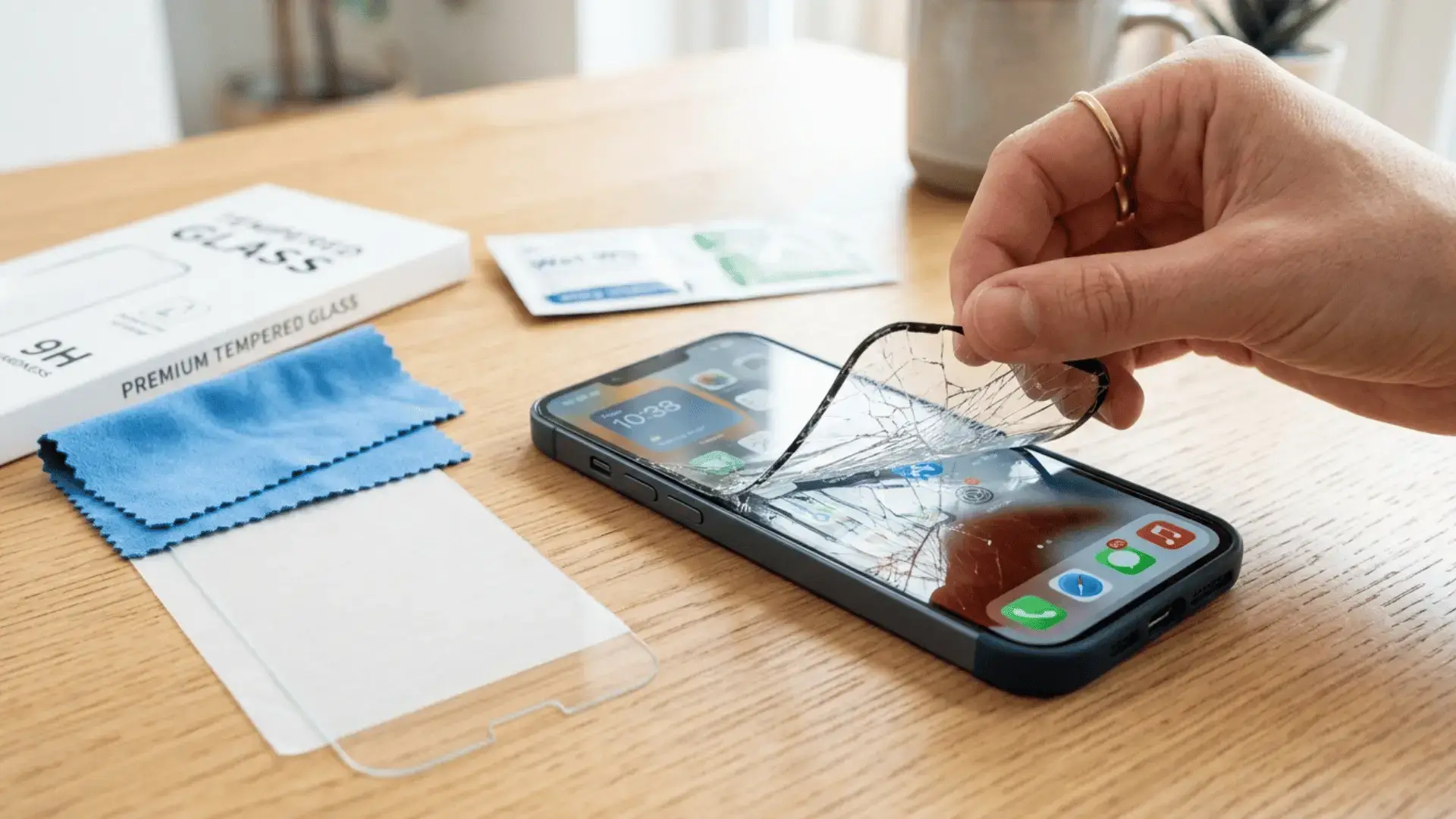
- Use a sturdy case with a raised lip and a screen protector.
- Keep the phone out of hot cars and direct sun.
- Do not pack it tightly against hard objects in a bag.
- Keep it away from water, even if it is water resistant.
FAQ
- Can white spots on a phone screen be fixed at home?
- Sometimes. A small stuck pixel may respond to a pixel-fixer app, and mild heat or moisture marks can fade. But cloudy bruises and drop damage are physical and need a screen repair.
- Will white spots spread over time?
- They can. Pressure and impact damage often grows as you keep using the phone, so it is best to address it early before the spot expands.
- Are white spots the same as dead pixels?
- Not always. Dead pixels are tiny fixed dots, while white spots are often larger cloudy patches from pressure or impact. They have different causes and different fixes.
- Is it worth repairing white spots on an old phone?
- Only if the repair costs well under the value of the phone. On older devices, the money is often better spent on an upgrade.
Final thoughts
When it comes to how to fix white spots on phone screen problems, the key is matching the fix to the cause. Restart and test first, try a pixel-fixer app for tiny dots, and give heat or moisture marks a chance to settle. But be realistic. A growing cloudy bruise or drop damage is a hardware issue, and no app will undo it. Catch it early, protect your screen, and you will save yourself both money and stress.
Want to keep your phone in top shape? Read how to speed up your Android phone and our iPhone vs Android comparison. For official help, see Apple Support and Samsung support.